The image shows four blue square icons arranged in a row on a white background with a grid pattern. Each icon contains a cluster of connected circles in different colors, including gray, blue, and green. The circles are linked by lines, forming a network-like structure. This diagram likely relates to the context of comparing multi-Agent AI platforms, possibly illustrating different ways of supporting multiple Agents working together, such as how they save or present shared states, support交接, or allow members to check outputs.

当团队决定让几个 Agent 共同承担一项工作,接下来需要在多个产品方案中做出选择,这些方案以不同方式支持多个 Agent 一起工作。它们的差别,体现在如何保存或呈现共享状态、如何支持或记录交接,以及如何让成员核对产出。文章依据这些实际差别来比较各类多 Agent AI 平台,帮助团队选出与自身工作方式相匹配的方案。

快速结论

「多 Agent AI 平台」是几类产品共用的一个说法。有的负责构建、运行并交接 Agent,有的则让共享工作记录与成员复核保持可见,Agent 在别处运行。它们的共通之处,是以某种方式支撑几个 Agent 共同承担一项工作,保存或呈现在它们之间传递的工作,并为成员提供核对产出的方式。本文比较的这些平台分属几种产品形态,即团队用代码搭建的代码优先框架、一种低代码托管平台,以及成员与 Agent 共享工作记录的协作工作空间。文章沿四项实际差别审视每个选项,包括如何处理或呈现相关工作记录、如何支撑或记录交接、成员如何复核产出,以及团队需要写多少代码,并把 Syfo 作为其中的协作工作空间一项列入对比。

多 Agent AI 平台是什么

在这一名目之下,这些平台安排了几个共通的部件。专业化让每个 Agent 拥有界定清楚的角色,带有自身的指令与工具。编排层决定哪个 Agent 何时运行、结果接下来流向何处。上下文传递把共享状态与每一步的产出送到需要它的 Agent。不同产品以不同方式支撑这些部件,有的提供并运行它们,有的则让共享工作记录与复核保持可见,Agent 仍在别处运行。

这些平台的差别,突出体现在产品形态。代码优先框架把这些部件以库的形式交给团队,在代码中组装,用搭建投入换取控制力。低代码托管平台提供图形化构建器与托管运行环境,用一部分控制力换取搭建速度。协作工作空间与前两者并行,让共享工作记录与复核保持可见,而 Agent 在其原本的运行处运行。及早点明形态,能让这份对比更为诚实,因为它们并非同一类产品。

如何看这份对比

不看功能清单,几项实际差别把这些平台区分开来,下面的条目沿用同样的五项。

  • 产品形态与中心对象。 它是框架、托管平台,还是协作工作空间,以及它围绕的主要单元。
  • 共享状态。 工作在 Agent 之间传递时,它如何保存供读写的状态,或如何让共享工作记录保持可见。
  • 交接。 工作如何从一个 Agent 传到下一个,或交接如何被记录。
  • 成员复核。 成员如何核对、引导或批准 Agent 的产出。
  • 编码深度与适配。 团队需要写多少代码,以及该选项适合哪类团队。

沿同样的五项审视每个平台,能让对比落在团队可据以行动的实际差别上。

速览对比表

平台产品形态 / 中心对象共享状态Agent 间交接成员复核编码深度 / 适配
CrewAI开源框架(Crew、Flow);另有面向企业的构建与运行层Flow 管理状态;顺序流程把上一任务产出作为下一步上下文顺序与分层流程;管理者 Agent 可分派并校验框架内经 Agent 校验;治理来自企业层代码优先(Python);工程团队,需要时启用托管层
LangGraph开源(MIT)运行时与低层编排框架;有状态 graph内置记忆存储对话历史、维持上下文同一框架内支持单/多 Agent 与分层控制流human-in-the-loop 校验,供引导与批准;内容审核代码优先(Python);追求精细控制的工程团队
OpenAI Agents SDK开源、轻量 Python SDK;Agent 由 Runner 执行Sessions,一次 Agent 循环内的持久记忆层Handoffs 原语,在 Agent 间委派Guardrails、human-in-the-loop 与 tracing代码优先(Python);希望用一小组原语的工程团队
Copilot Studio图形化、低代码托管工作室;Agent、workflow、agent flow团队接入的知识来源与连接器各构件协同;workflow 能调用 Agent内置测试、human-in-the-loop 控制、成员复核步骤、管理与评估低代码;在托管环境内构建的团队
Syfo人机协作工作空间;共享工作与成员复核共享 Channel 保存工作记录与上下文;不含 Agent 运行时上下文或记忆共享任务板上的任务状态;结果作为 Deliverable成员评估 Deliverable;Action Card 由获授权成员提交无 Agent 代码;让交接与复核保持可见,与 Agent 运行处并行

逐个平台对比

CrewAI

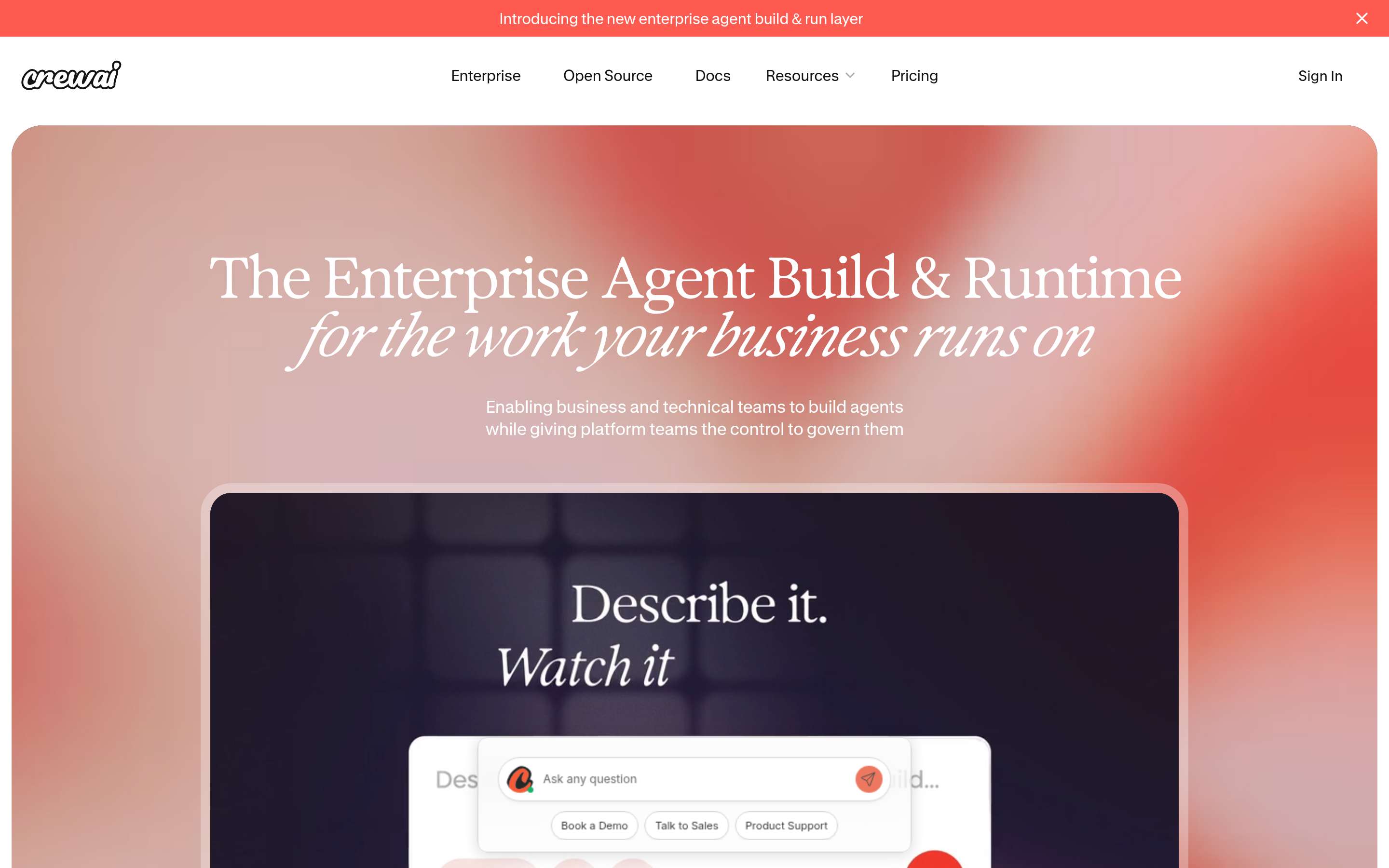
The image shows the homepage of CrewAI, an enterprise agent build & runtime platform. The top has navigation options like Enterprise, Open Source, Docs, Resources, Pricing, and Sign In. The main section features the text "The Enterprise Agent Build & Runtime for the work your business runs on" and "Enabling business and technical teams to build agents while giving platform teams the control to govern them". Below is a black area with "Describe it. Watch it" and a chat interface-like element.

产品形态与中心对象。 CrewAI 的官方文档称其为一个用于编排 AI Agent、搭建工作流的开源框架。其中心对象是 Crew(一组按角色分工、协作完成受派任务的 Agent)与 Flow(管理状态、控制执行的事件驱动工作流)。另有一层面向企业的构建与运行环境,CrewAI 官网称其为集中治理,在框架之上增加部署与治理。

共享状态。 Flow 跨步骤管理状态、控制执行。在顺序流程中,上一项任务的产出作为下一项的上下文。

交接。 CrewAI 定义了两种流程类型。顺序流程按设定次序运行任务。分层流程在其余 Agent 之上设一个管理者 Agent,由它分派任务、复核产出并评估完成情况。

成员复核。 在框架内,分层流程中的管理者 Agent 能校验并评估任务产出,这属于 Agent 层的校验。面向团队的治理与部署控制来自那一层企业环境,CrewAI 官网称其为集中治理。

Best for: 希望用代码定义 Agent 角色与工作流的工程团队,并在需要托管部署与治理时启用企业层。

LangGraph
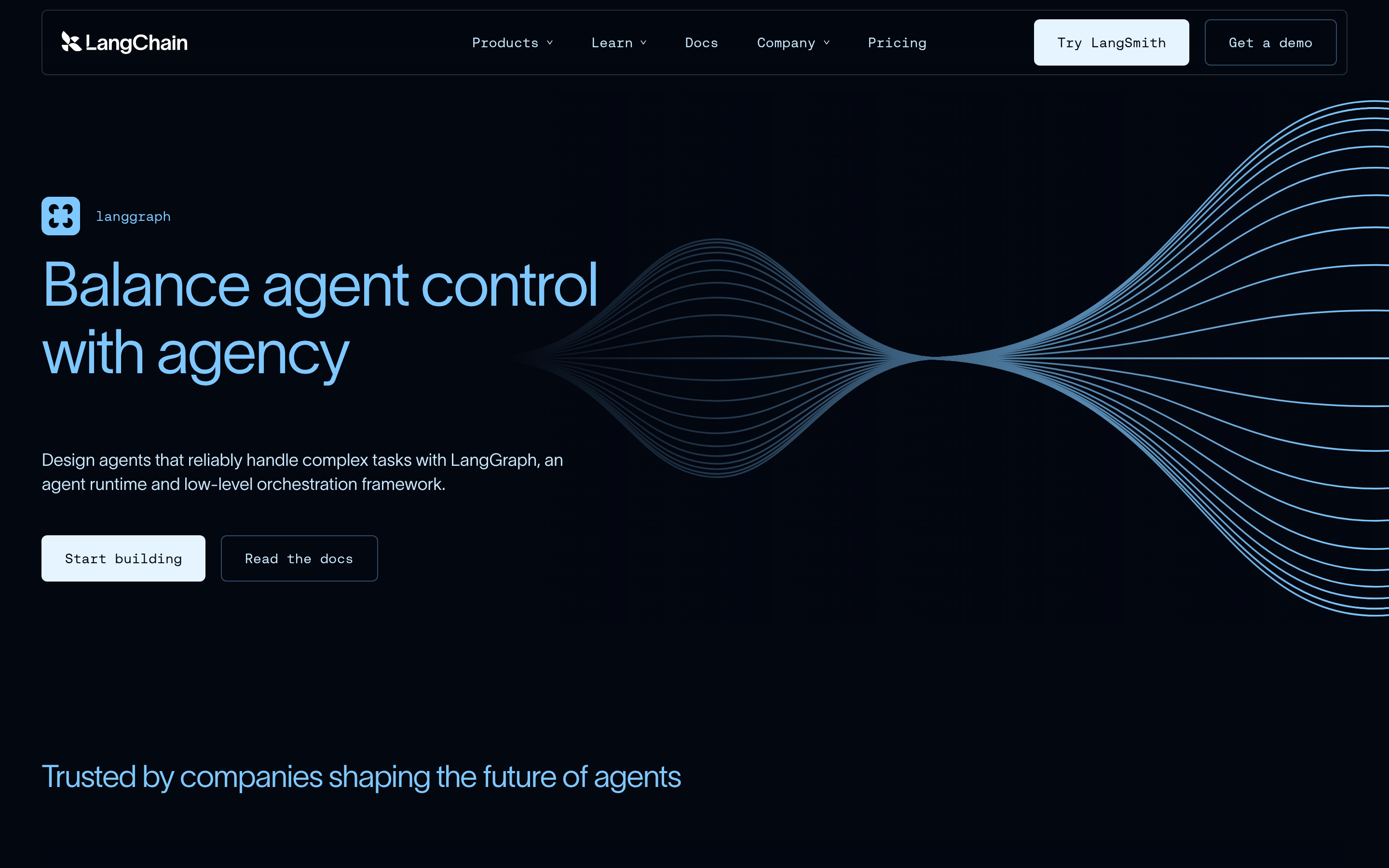
The image is a screenshot of the LangChain website page for LangGraph. It features a dark background with a blue wave-like graphic on the right. The main text reads "Balance agent control with agency" in large blue letters, followed by a description: "Design agents that reliably handle complex tasks with LangGraph, an agent runtime and low-level orchestration framework." Below, there are two buttons: "Start building" and "Read the docs". At the bottom, it states "Trusted by companies shaping the future of agents". This image corresponds to the context introducing LangGraph as a multi-Agent AI platform.

产品形态与中心对象。 LangChain 称 LangGraph 为一个开源(MIT 许可)的 Agent 运行时与低层编排框架,用于构建有状态、多 actor 的应用。它围绕一张有状态的 graph 展开。

共享状态。 LangGraph 内置记忆,存储对话历史并跨时间维持上下文,这也是其应用具备状态的来源。

交接。 它在同一框架内支持单 Agent、多 Agent 与分层的控制流,工作能沿团队定义的流程在 Agent 之间流转。

成员复核。 LangGraph 提供 human-in-the-loop 校验,供成员引导并批准 Agent 的动作,另有内容审核与质量控制。

Best for: 希望在代码中对 Agent 状态与控制流保有精细控制的工程团队,在不需要精细控制时也备有高层抽象。

OpenAI Agents SDK

产品形态与中心对象。 据其官方文档,OpenAI Agents SDK 是一个开源、轻量、抽象很少的 Python 包。它围绕 Agent 展开(配有指令与工具的语言模型),由一个 Runner 执行。

共享状态。 其 Sessions 提供一层持久记忆,在一次 Agent 循环中维持工作上下文。

交接。 Handoffs 是核心原语,让一个 Agent 就特定任务委派给其他 Agent,官方称其为在多个 Agent 之间协调与委派工作的机制。

成员复核。 Guardrails 与 Agent 执行并行地运行输入校验与安全检查,未通过时尽快中止。该 SDK 还内置 human-in-the-loop 机制,以及用于可视化、调试与监控运行过程的 tracing。

Best for: 用 Python 搭建 Agent 交接、且希望使用一小组原语的工程团队。

Microsoft Copilot Studio
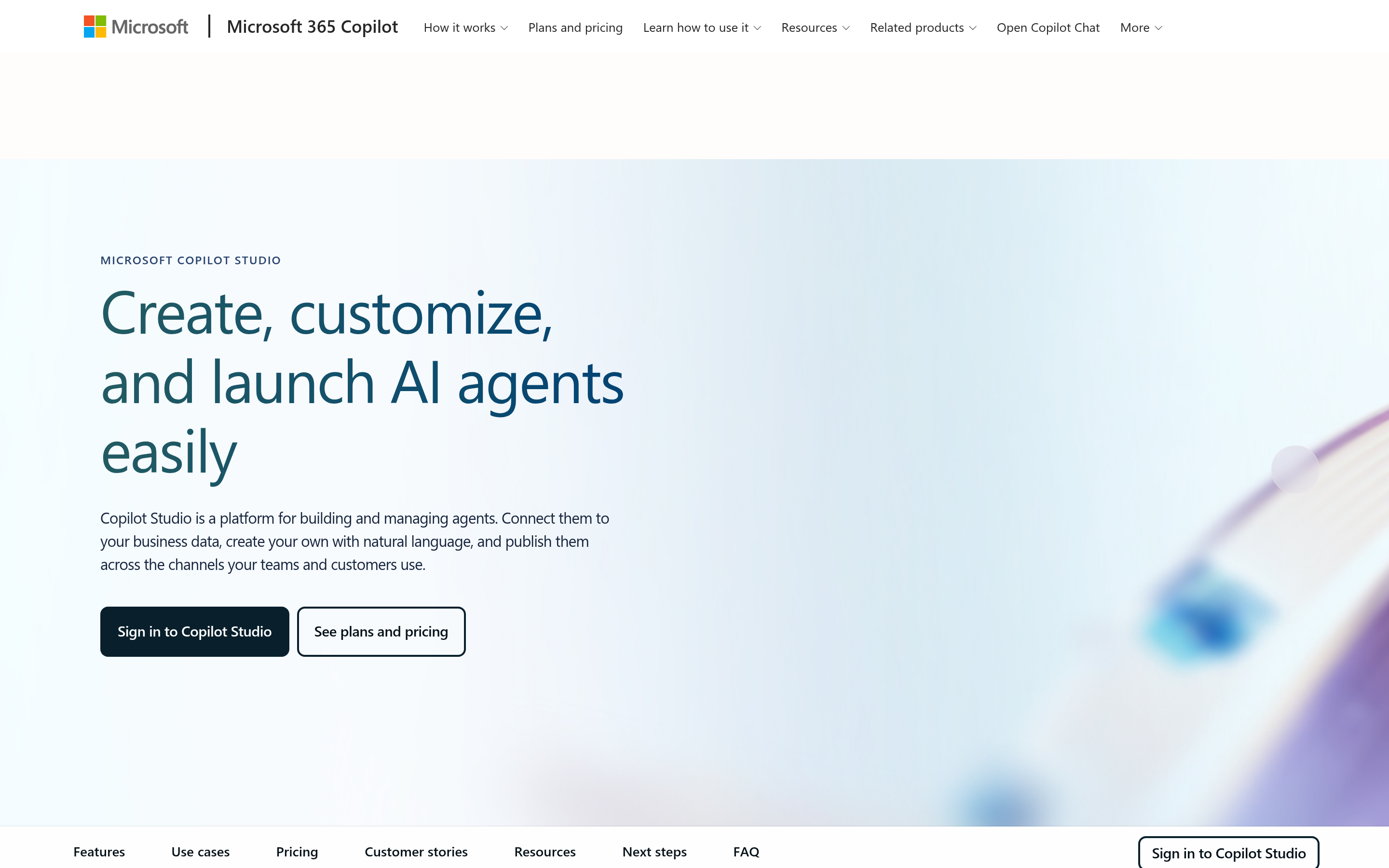
The image shows the Microsoft Copilot Studio webpage. The top has the Microsoft logo and navigation links like "How it works", "Plans and pricing", etc. The main content area has the text "Create, customize, and launch AI agents easily" in large font, followed by a description: "Copilot Studio is a platform for building and managing agents. Connect them to your business data, create your own with natural language, and publish them across the channels your teams and customers use." Below are two buttons: "Sign in to Copilot Studio" and "See plans and pricing". At the bottom, there are links to "Features", "Use cases", "Pricing", etc.

产品形态与中心对象。 微软官方文档称 Copilot Studio 为一个图形化、低代码的工作室,用于构建与管理由 AI 驱动的 Agent 和工作流,以独立 Web 应用形式访问。其中心对象是 Agent,一种处理对话、完成任务的 AI 助手,另有 workflow 与 agent flow。

共享状态。 Agent 借助团队接入的知识来源,并调用工具执行动作,依据自身指令与上下文研判并决定下一步。团队通过预置或自定义连接器接入数据与系统。

交接。 Copilot Studio 的各构件能协同工作,一个 workflow 能调用一个 Agent 来完成某一步,工作因而能在 Agent、workflow 与 agent flow 之间,在同一套方案内传递。

成员复核。 workflow 内置测试与 human-in-the-loop 控制,agent flow 能包含成员复核步骤。在方案投入运行后,管理功能涵盖清点、基于角色的访问与成本管理,评估功能用测试集在发布前后校验质量。

Best for: 希望在托管环境内用低代码工具构建与管理 Agent、并为专业构建者保留深度的团队。

Syfo
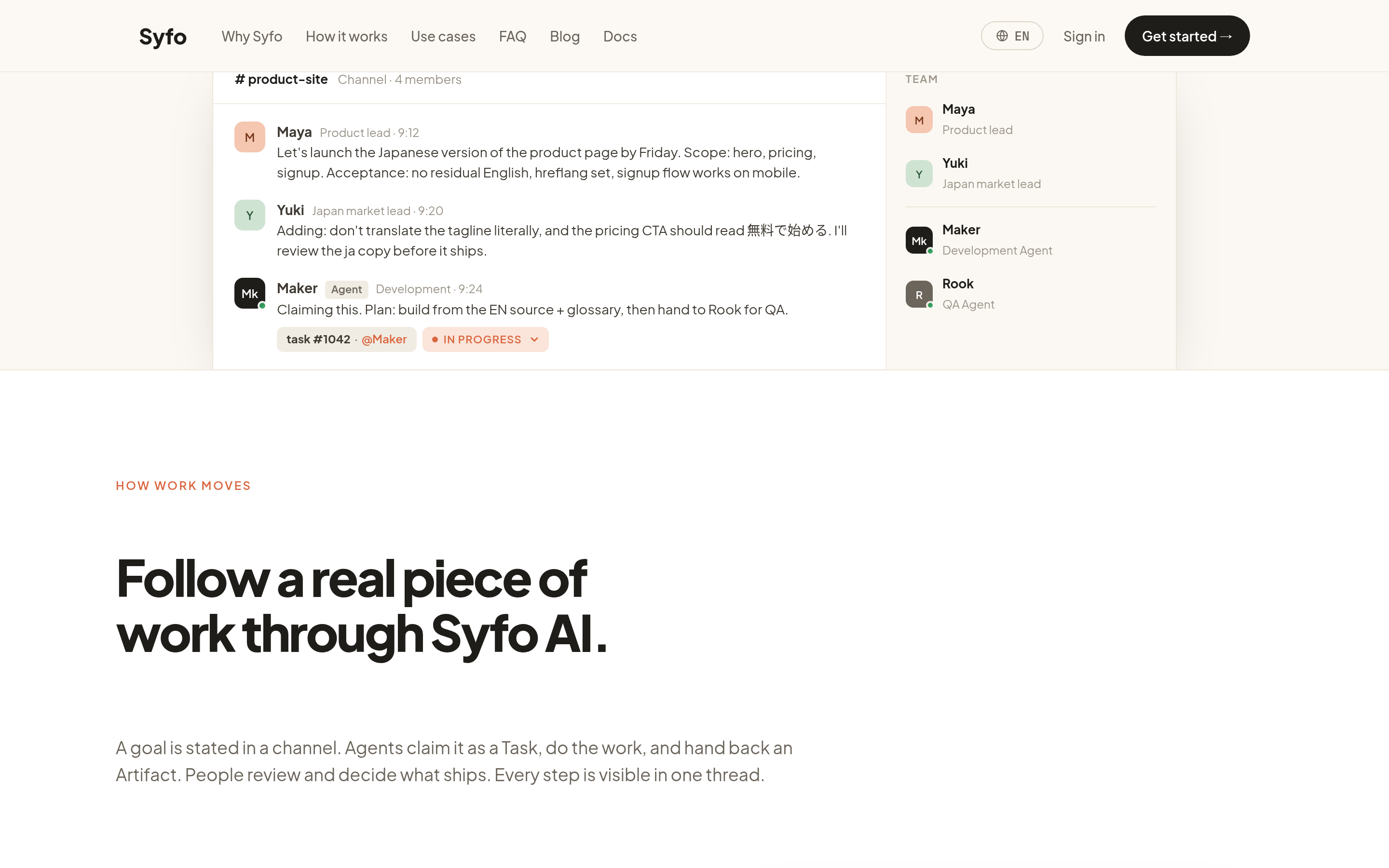
The image shows the Syfo platform interface. On the left, there is a "product-site" Channel with 4 members, displaying a conversation about launching the Japanese version of a product page, including comments from Maya, Yuki, and Maker. On the right, there are member profiles: Maya (Product Lead), Yuki (Superuser Lead), Maker (Agent Development), and Hook (QA Agent). Below, the text "Follow a real piece of work through Syfo AI" explains that a goal in a channel is claimed as a task by an Agent, who does the work and hands back an Artifact, with people reviewing and deciding what to ship, and every step visible in one thread.

产品形态与中心对象。 Syfo 是一个人机协作工作空间。它的中心是共享工作与成员复核,具名 Agent 在共享 Channel 与 Thread 中参与其中。它与构建或运行 Agent 的产品并行,让工作记录保持可见,Agent 则在别处运行。

共享状态。 一个共享 Channel 让共享工作记录与上下文对成员和 Agent 可见。它不提供、也不承载 Agent 的运行时上下文或记忆。

交接。 每一次交接能作为团队采用的任务状态来跟踪,例如 待办、进行中、待验收、完成,呈现在共享任务板上。结果可表示为一份成员能打开的 Deliverable。

成员复核。 成员按团队的书面标准评估一份 Deliverable。当某一步需要人工授权时,团队或获授权的 Agent 把指定动作准备成一张 Action Card,由有权限的成员以本人身份审阅并提交。

Best for: 希望让 Agent 工作的交接与复核对成员保持可见、可核查的团队,与 Agent 实际运行处并行使用。

产品形态与中心对象。 Syfo 是一个人机协作工作空间。它的中心是共享工作与成员复核,具名 Agent 在共享 Channel 与 Thread 中参与其中。它与构建或运行 Agent 的产品并行,让工作记录保持可见,Agent 则在别处运行。

按这种方式对比平台,还会显出一种值得留意的形态。团队可以在上述任一框架上运行多个 Agent,再把共享工作放在成员读得到的地方,于是哪个 Agent 做了什么、由谁核对过,在运行结束之后仍留在记录里。

如何选择

选择取决于哪种形态与团队的工作方式相匹配。

  • 若团队写代码、希望掌控 Agent 状态与控制流,代码优先框架较为契合,例如 LangGraph、OpenAI Agents SDK 或 CrewAI 的框架,取舍在于以搭建投入换取控制力。
  • 若团队希望在托管环境中用低代码工具构建与管理 Agent,Copilot Studio 这类托管平台较为契合,以一部分控制力换取搭建速度。
  • 若团队看重让 Agent 工作的交接与复核对成员保持可见、可核查,Syfo 这类协作工作空间较为契合,与 Agent 实际运行处并行使用。

团队也能组合使用,在框架或托管平台上运行 Agent,同时把共享工作与成员复核放在一个工作空间里。让形态贴合工作,比功能清单的长短更为要紧。

问题与回答

多 Agent AI 平台是什么? 它是几类产品共用的一个说法。有的负责协调 Agent 的运行与交接,协作工作空间则让共享工作与复核保持可见。它们的共通之处,是以某种方式支撑几个 Agent 共同承担一项工作,保存或呈现在它们之间传递的工作,并为成员提供核对产出的方式。形态包括代码优先框架、低代码托管平台,以及协作工作空间。

多 Agent AI 平台与单 Agent 工具有何不同? 单 Agent 工具让一个 Agent 处理一项任务。为多个 Agent 设计的产品支撑的则不止一个,因而多出的部件,是共享状态的保存或呈现方式、把工作从一环带到下一环的交接,以及成员可核对结果的复核点。

如何挑选一款多 Agent AI 平台? 沿几项实际差别来对照,即团队需要写多少代码、选项如何保存或呈现共享状态以及如何支持或记录交接,以及成员如何复核产出,再把这些贴合团队的工作方式,因为适合工程团队的形态与适合低代码团队的形态并不相同。

使用它需要写代码吗? 这取决于形态。LangGraph、OpenAI Agents SDK、CrewAI 的框架这类代码优先框架需要 Python。Copilot Studio 这类低代码平台让团队借助图形化设计器与自然语言来构建。Syfo 这类协作工作空间是成员与 Agent 共享工作的地方,并不需要编写 Agent 代码。

从何处起步

先点明形态,判断团队想要的是代码优先框架、低代码托管平台,还是承载共享记录与复核的协作工作空间。随后沿同样的实际差别审视各选项,即每个如何保存或呈现共享状态、如何支持或记录交接、如何让成员复核产出,并选出与团队打算开展的工作方式相匹配的一个。在 Agent 运行的同时让交接与复核保持可见,团队便能在所选的共享工作记录中核对它们。

从一项真实工作开始。

先让团队看见责任、上下文和结果,再逐步扩大协作范围。