Once a team decides several agents should work on one job, the next question is what to build them with. A multi agent builder is the tool that lets a team define the agents, connect them, and give them somewhere to run or hand work to. This article compares the main tools by how much a team has to code, how agents are defined and connected, who provides the runtime, and where a member reviews the result.
The short answer
The right builder follows how much code a team means to write.
- Drag-and-drop builders suit a team that wants to assemble agents and workflows on a canvas, with the platform or the team's chosen environment hosting the result.
- Code-first frameworks suit engineers who want the agent definitions, the state, and the control flow in their own code and their own environment.
- A managed enterprise platform suits a technical team that wants a hosted build path with governance attached.
A team can also start on a canvas and move a specific agent into code later. The tool matters less than the fit between how the work runs and how the team works.
What a multi agent builder is
A multi agent builder is a tool for putting several agents together into one working setup. Under the label, it usually has to handle three things.
- Defining the agents. Each agent gets a role, instructions, and the tools or knowledge it may use, and that definition has to live somewhere a team can edit and version.
- Connecting them. Work has to move from one agent to the next, whether the tool calls that a handoff, a connection between nodes, or a workflow step.
- Getting the setup to run. The agents need somewhere to execute, and the team needs a way to test a change before it reaches real work.
The third point is where these tools differ most. Some carry a runtime of their own, others expect a team to run the result in its own environment, and managed platforms sit in between. A tool that stops at the definition is still a builder; it leaves the running to something else.
It also helps to separate a builder from the two things it is often confused with. A collaboration workspace is where members and agents share the work and review it, and it does not build or run the agents. A plain automation tool moves data between apps on a fixed schedule, and agents add a step that decides what to do next.
How to read this comparison
Feature lists make every tool look alike. The five working details below separate them, and each entry uses the same five.
- Build method and code depth. Whether a team assembles the agents on a canvas or writes them in code, and how much of each the tool expects.
- Agent definition. Where the role, instructions, and tools for an agent are set, and how a team edits them.
- Handoffs and connections. How one agent's output reaches the next agent, and whether the tool expresses that as a handoff or as a connection between steps.
- Runtime and hosting. Whether the tool runs the agents itself, hands the team something to run, or calls out to a runtime the team already has.
- Member review and governance. How a person checks or steers a result, and what the tool offers for managing the setup over time.
Reading each tool along the same five keeps the comparison on details a team can act on.
Quick comparison
| Tool | Build method and code depth | Agent definition | Handoffs and connections | Runtime and hosting | Member review and governance |
|---|---|---|---|---|---|
| n8n | Canvas with nodes; code node available | Agent Builder: model, instructions, tools, skills, channels, schedules, sub-agents, knowledge base | Agent hands off to another agent; sub-agents delegate; agents can call workflows | Runs on n8n Cloud or self-hosted; Preview, not yet on self-hosted Enterprise; self-hosted knowledge base in preview | Configuration and version control: agent settings, session history, draft and published versions with publish history |
| Relevance AI | Low and no-code builder with templates | Set in the platform; knowledge, tools, integrations, scheduling | Team structure in Workforces; integrations and API connect to other systems | Hosted platform | Approvals, version control, and collaboration listed in the product |
| CrewAI | Open source framework, defined in code | Crews of agents working through tasks; Flows for event-driven workflows | Sequential process passes output on as context; hierarchical process uses a manager agent | Framework runs in the team's own environment; separate enterprise layer for managed deployment | Agent-level validation by a manager agent; team-level governance through the enterprise layer |
| LangGraph | Low-level framework and runtime, written in code | Agents and control flow defined as a graph | Node output becomes state the next node reads; checkpointers and stores hold it; interrupts pause a run | Ships a runtime; deployed from the team's environment | Human-in-the-loop steps: an interrupt waits for input a person can review; observability and tracing via the surrounding LangChain tooling |
| Gemini Enterprise Agent Platform | Hosted platform; Google also offers the open source Agent Development Kit | Defined in code through the kit or through the platform's building surface | Kit workflow patterns carry work between agents | Managed agent runtime on Google Cloud | Platform-level governance, outside the building step; this article does not count it as member review |
Drag-and-drop and low-code builders
These tools put the agents and the flow between them on a canvas, and the platform hosts what they produce. They suit teams that want a working setup without writing the agent code.
n8n
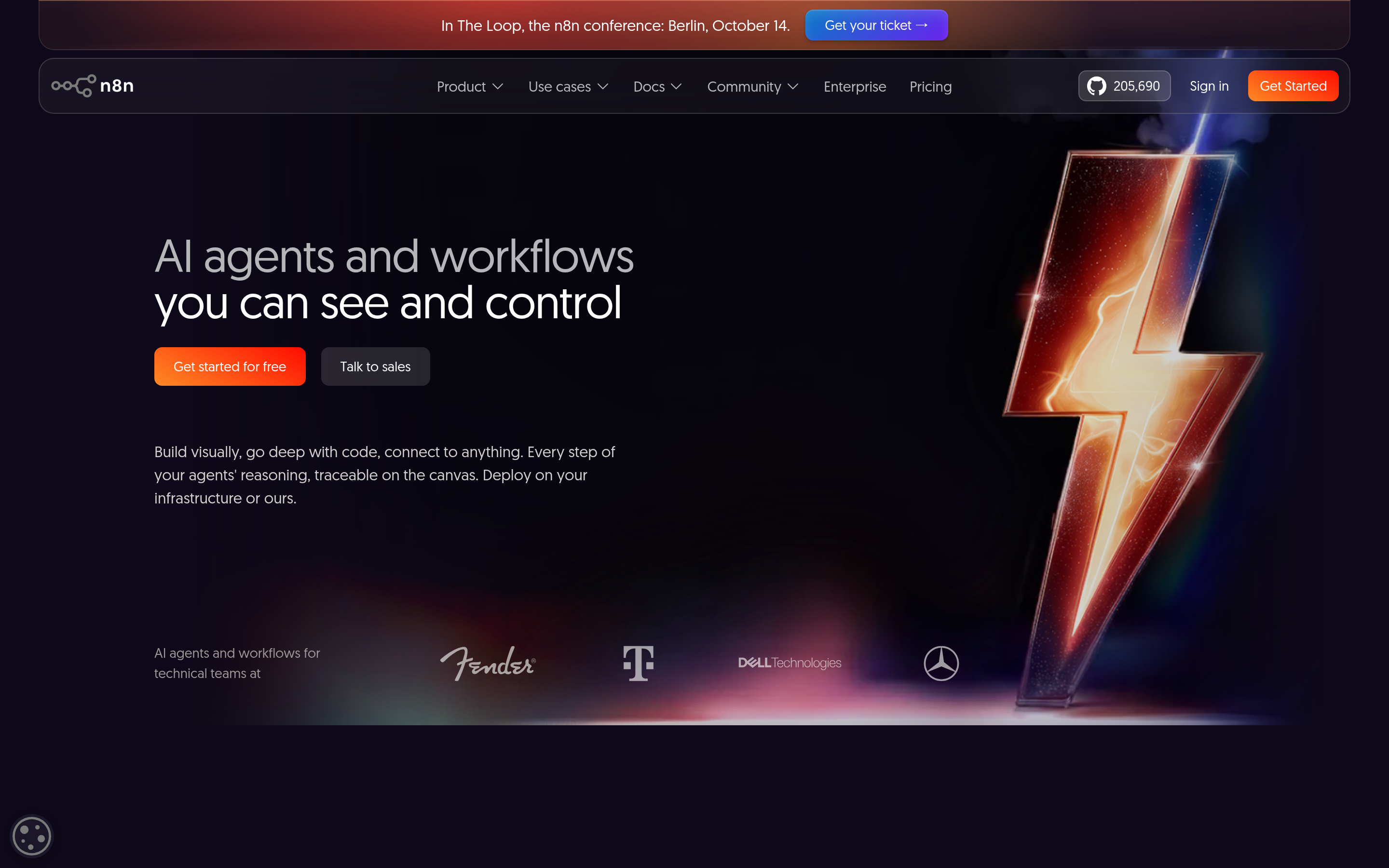
Build method and code depth. n8n is a workflow automation platform where AI arrives as nodes. Its AI nodes implement LangChain's JavaScript framework, and a team can drop a code node into a workflow when it needs one. Agents sit alongside workflows as first-class items in a project, and the platform documents them for work too open-ended for a fixed workflow.
Agent definition. The Agent Builder configures an agent through named parts: a model, instructions, tools, web search, skills, channels, schedules, sub-agents, and a knowledge base. Agents sit alongside workflows in the same project.
Handoffs and connections. The documentation describes an agent that hands off to another agent inside its reasoning loop, and a published agent can delegate to other published agents through sub-agents. Agents can also trigger or coordinate workflows.
Runtime and hosting. Agents run on n8n Cloud or self-hosted. n8n marks agents as a Preview feature whose behavior may change, and says they are not yet ready for self-hosted Enterprise. On self-hosted instances the knowledge base is in preview as well.
Member review and governance. The platform provides configuration and version control: n8n keeps a draft and a published version of each agent, so changes stay out of live work until someone publishes, and publish history can be reverted. Session history is stored. n8n's documentation does not describe a separate member review step here.
Best for: teams that already automate operations in n8n and want to add agents to those workflows, accepting Preview status.
Relevance AI
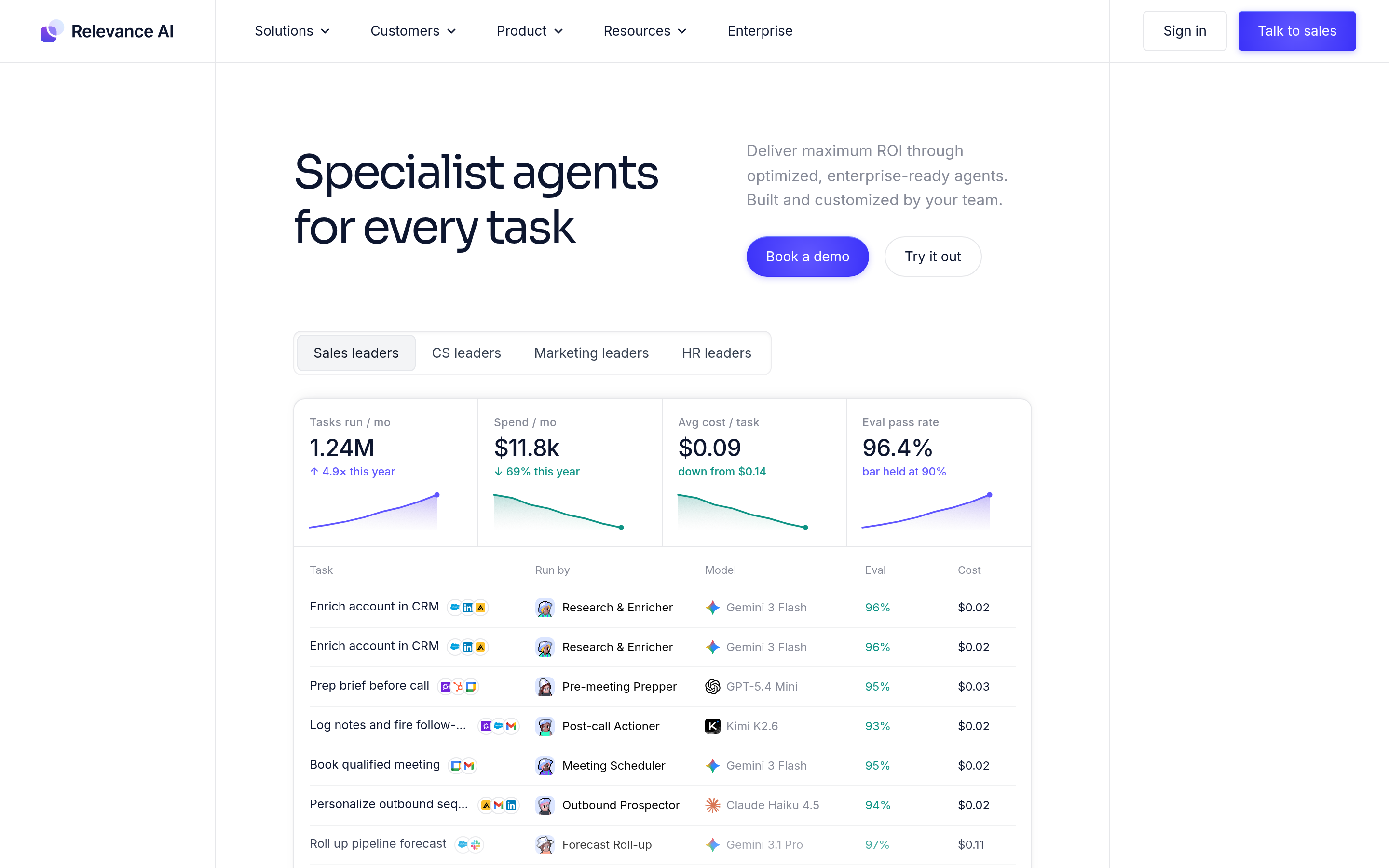
Build method and code depth. Relevance AI is a low and no-code platform for building agents and teams of them. Its own description centers on a no-code builder with pre-built templates.
Agent definition. Agents are defined in the platform, and the capability set covers knowledge, tools, integrations, and scheduling. Team-level structure sits in a separate unit the platform calls Workforces.
Handoffs and connections. Agents work as a team inside a Workforce, and integrations and an API connect the setup to other systems.
Runtime and hosting. Relevance AI is a hosted platform.
Member review and governance. The platform lists approvals, version control, and collaboration as part of the product.
Best for: business and operations teams that want to build and run agents with limited engineering effort.
Code-first frameworks
These tools hand a team libraries in place of a canvas. The team writes the agents, and the framework supplies the structure for state and control flow.
CrewAI
Build method and code depth. CrewAI is an open source framework. A team defines its agents, tasks, and workflow in code.
Agent definition. Its central objects are Crews, which group agents that work through a list of tasks, and Flows, which are event-driven workflows. A crew carries a process setting that decides how its tasks run.
Handoffs and connections. The sequential process runs tasks in a set order, passing one task's output along as context for the next. The hierarchical process adds a manager agent that delegates tasks and reviews outputs.
Runtime and hosting. CrewAI is a framework, so the team runs the result in its own environment. The project also offers a separate enterprise build-and-run layer for teams that want managed deployment.
Member review and governance. Within the framework, a manager agent can validate task outputs, which is agent-level checking. Team-level governance comes through the enterprise layer.
Best for: engineering teams that want agent roles and workflows expressed in code.
LangGraph
Build method and code depth. LangGraph describes itself as a low-level orchestration framework and runtime, and it sits in the code-first family. A team writes graph nodes in code and can mix hand-coded steps with model-driven ones.
Agent definition. Agents and their control flow are defined as a graph, in Python or another supported language.
Handoffs and connections. The graph is the connection: a node's output becomes state that the next node reads. Persistence layers called checkpointers and stores hold that state, and interrupts pause a run for input.
Runtime and hosting. LangGraph ships a runtime for long-running, stateful agents, and it is deployed from a team's own environment.
Member review and governance. The framework supports human-in-the-loop steps: an interrupt pauses a run and waits for input, which a person can review before the run continues. Observability and debugging come through the surrounding LangChain tooling, including tracing.
Best for: engineering teams that need fine control over agent state and execution, and are willing to build on lower-level parts.
Managed enterprise platforms
Gemini Enterprise Agent Platform (formerly Vertex AI)
Build method and code depth. This Google Cloud platform is a hosted path for building agents. Google also offers the Agent Development Kit, an open source framework available in several languages, and the kit's documentation covers multi agent workflows, along with sequential, loop, and parallel patterns and agent routing.
Agent definition. Agents are defined in code through the kit, or through the platform's own agent-building surface.
Handoffs and connections. The kit's workflow patterns carry work between agents, and its documentation covers routing between them. Google documents a managed runtime as the hosted place those agents run.
Runtime and hosting. Agents built here can run on a managed agent runtime, and the platform extends to scaling and governing them.
Member review and governance. Platform-level governance sits outside the building step this article covers, and this article does not count it as member review. Where a person reviews an agent's work depends on the workflow and the configuration a team sets up.
Best for: technical teams on Google Cloud that want a hosted build path with enterprise controls around it.
How to choose
The choice follows who is going to maintain the setup.
- If the team automates operations already and wants agents inside those workflows, a canvas builder such as n8n fits, at the cost of working inside its node model.
- If the team wants to limit its engineering effort and still build and run agents, a hosted low-code platform such as Relevance AI fits, and the trade is less control over state and flow.
- If the team wants the agent definitions, state, and control flow in its own code, a framework such as CrewAI or LangGraph fits, and the trade is setup effort for control. LangGraph exposes more lower-level control points.
- If the team is on a cloud platform and wants a hosted build path with enterprise controls, a managed platform such as Gemini Enterprise Agent Platform fits.
One distinction is worth keeping clear here. These tools build and run agents, while a collaboration workspace such as Syfo is not one of them. Syfo is where members and agents share the work and review the result.
One distinction is worth keeping clear here. These tools build and run agents, while a collaboration workspace such as Syfo is not one of them. Syfo is where members and agents share the work and review the result, which is the part a builder tool leaves to the team.
A team can run agents on any of the tools above and keep the shared work and the review in a workspace alongside.
FAQ
What is a multi agent builder? It is a tool for putting several agents together into one working setup. It defines each agent's role, instructions, and tools; connects them so work moves from one to the next; and either runs the result itself or hands the team something to run. Some builders are canvases, some are code frameworks, and some are hosted platforms.
Do you need to code to use one? It depends on the tool. Canvas builders such as n8n and Relevance AI are built for assembling agents without writing agent code, though n8n leaves room for a code node. Frameworks such as CrewAI and LangGraph expect code. A managed platform such as Gemini Enterprise Agent Platform offers a hosted build path, and Google's open source Agent Development Kit covers the code route, so a team can work at either level.
Can you build a multi agent system from scratch? Yes, and a framework is one way. A team defines each agent, writes the tasks and the flow between them, and runs the result in its own environment. What a framework supplies is the structure for state and control flow, so the team does not write the coordination machinery itself.
How is a builder different from a platform or a workspace? A builder produces the agent setup. A platform usually adds hosting and management around it. A collaboration workspace is a different thing again: it is where members and agents share the work and review results, and it does not build or run the agents. The three often sit in the same stack.
Where to start
Start from one workflow and one agent, and pick the tool by who will maintain it. A team with limited engineering effort may begin on a canvas and keep the first setup small. A team with engineers may begin in a framework and keep the first graph simple, adding agents once the first one is steady. Either way, decide early where the runtime will be and where a member will check the output, because those two choices are harder to change later than the agent definitions themselves. Keeping the handoffs and the review visible as the agents run gives a team a place to check them in the work record it has chosen.
Start with the work your team needs to move.
Begin with one real workflow, keep ownership visible, and review the result before expanding the setup.