团队寻找 Grok Bot 的替代产品时,通常希望成员和具名 AI 协作者可以一起持续推进工作。本文比较的产品为这些协作者提供了不同的工作载体,包括 Slack 频道、持续存在的 Bot、拥有自己工作空间的 Agent、Microsoft 工作流、共享的工作区 Agent 或共享工作记录。文章会比较五个替代品各自把什么放在中心、增加了哪些设计、成员在哪一步介入,以及适合什么样的团队。

Grok Bot 的设计思路

Grok Bot 把 Bot 当作核心对象来设计,重心并不在对话上。它公开的设计说明描述了一小组对象。一个 Bot 有自己的身份、记忆、运行环境和工具,并在多次对话之间持续存在,对话本身则用完即弃。Prompt 为 Bot 提供上下文,既能保存复用,也能设成按计划自动运行;工具让 Bot 通过软件和连接器获取信息、执行动作,每个 Bot 还有自己的电脑,用来浏览网页、处理文件和运行程序。后面的比较由两处设计决定。其一,持续存在的是 Bot,身份和记忆都归在 Bot 名下、跨项目保留;其二,多个 Bot 能共用一个群聊,各自又保留专属记忆。于是 Bot 成了团队长期保留、命名并持续调用的工作对象,团队不必每次都从新的对话重新开始。

一个共同的起点,以及各自的差异

这些产品有一个共同的起点,就是团队与具名的 AI 协作者在共享的对话或工作空间里协作,方向或最终决定仍由成员把握。下面的表格把 Grok Bot 作为参照,第二列写各自把什么放在中心,后面三列依次写在这个基础上增加了什么、成员在哪一步介入,以及适合哪种团队,排序只表示讨论顺序,并不代表高下。

一览对比

产品共同起点各自把什么放在中心在这个基础上增加的设计/功能成员在哪一步介入适合团队
Grok Bot(参照)多个具名 Bot 共用一个群聊,方向由成员把握Bot每个 Bot 有自己的身份、记忆、运行环境、工具和电脑;Prompt 可设按计划自动运行成员在对话里指挥 Bot、查看产出想组建一批持续存在 Bot 的团队
Claude Tag成员与 @Claude 共用一个 Slack 频道或 thread,方向由成员把握一个共享的 Slack 频道或 thread成员 @Claude 交办任务并在 thread 里跟进;它按频道和工作区记住上下文,以组织身份使用管理员配置的工具与访问权限,并能发送更新或按计划跟进成员 @Claude 并在 thread 里给方向;由 Owner 设定访问范围与花费上限本来就在 Slack 里协作的团队
ChatGPT Workspace Agents一个可共享、可复用的 Agent 放在团队工作空间里可共享、可复用的工作流 Agent创建、分享、连接工具、安排运行、通过 API 触发;成员可为写操作设置确认成员为写操作设置的确认想把可复用流程做成共享 Agent 的团队
Microsoft Copilot Studio agents可配置的 Agent 发布进 Teams、Microsoft 365 等共享频道Microsoft 工作流与协作入口低代码搭建 Agent 与工作流;工具和连接器;事件或计划触发;敏感操作需人工批准工作流里配置的人工复核与批准步骤已经在用 Microsoft 365 与 Teams 的团队
Syfo具名 Agent 与成员共用一个 Channel 及其 Task,方向与决定由成员把握共享的工作具名 Task 可以有负责人和可见状态;成员可按书面标准评估 Deliverable;对团队预先指定的高风险、不可逆或需对外执行动作,由具备工作流授权的 Agent 为平台支持的动作准备 Action Card,再由有权成员以本人身份审阅并提交这一指定动作成员按书面标准评估 Deliverable,有权成员以本人身份审阅并提交指定的 Action Card想把有归属、可复核的工作放在中心的团队
Raft成员与具名 Agent 共用频道、线程和任务,最终决定由成员做保有长期身份的 AgentAgent 认领任务、并行推进、相互交接、在共享线程里复核;运行环境可选(Claude、Codex、Hermes),在你接入的机器上运行成员设定方向、复核产出、关闭任务想在自有机器上组建一支 Agent 团队

五款替代品逐一来看

1. Claude Tag

在 Slack 里通过 @Claude 一起协作的 AI 协作者。
The image shows the homepage of Claude. At the top, there are navigation options like "Product", "Developers", "Enterprise", etc. The main part has the text "Think fast, build faster" and "Brainstorm in chat, build in Cowork". There are two buttons, "Continue with Google" and "Continue with email" on the left, and "Chat" and "Cowork" on the right, with "Cowork" highlighted by a cursor. Below, there's a "Download desktop app" button. This relates to the context introducing Claude Tag, which is a tool for team collaboration.

Claude Tag 让成员在 Slack 频道里 @Claude、把一项任务交给它,并在 thread 里跟进,也能在私信或 Slack AI 助手面板里与它协作。在频道里,它按频道和工作区分别记住相关上下文,并以组织的身份行动,使用管理员配置的工具、访问权限和连接器。它会在任务完成时发一条更新、在 thread 停滞时 @ 你,并为自己安排后续跟进;由 Owner 设定谁能使用、按频道及组织层面的花费上限,以及可审计的任务记录。团队若本来就在 Slack 里协作,Claude Tag 把一个 AI 协作者带进大家日常交流的频道。

  • 共同起点。 成员与 @Claude 共用一个 Slack 频道或 thread,方向由成员把握。
  • 各自把什么放在中心。 Slack 对话,@Claude 在频道或 thread 里协作。
  • 增加的设计。 @Claude 按频道和工作区记住上下文,以组织身份使用管理员配置的工具与访问权限,并能发送更新、@ 成员或按计划跟进。
  • 成员介入的环节。 成员 @Claude 并在 thread 里给方向,由 Owner 设定访问范围与花费上限。
  • 适合的团队。 本来就在 Slack 里协作、想在频道里用一个 AI 协作者的团队。

它的设计以 Slack 对话为中心,把上下文和控制留在团队协作所在的频道与工作区里。

2. ChatGPT Workspace Agents

一个团队搭建一次、在整个工作空间里共享的可复用 Agent。
The image shows the interface of ChatGPT. On the left side, there are options like "New chat", "Images", "Plugins", "Deep research", "See plans and pricing", "Settings", "Help", and a "Log in" button. In the center, there is a prompt "What's on your mind today?" and a search bar with "Ask anything" placeholder. At the top right, there are "Log in" and "Sign up for free" buttons. This interface is related to the context introducing ChatGPT Workspace Agents, which allow teams to create, connect, and share Agents for collaborative work.

ChatGPT workspace agents 让团队创建一个 Agent、把它连接到工具,再分享出去,让同事沿用同一套流程。Agent 能收集上下文、遵循团队流程,按计划或通过 API 运行,并在执行写操作前请求确认。团队若想要建立在可复用流程之上的共享 AI 工作空间,这会把一段可重复的流程变成整个工作空间都能用的 Agent。

  • 共同起点。 一个可共享、可复用的 Agent 放在团队工作空间里,成员始终在环节之中。
  • 各自把什么放在中心。 一个可共享、可复用的工作流 Agent。
  • 增加的设计。 创建、分享、连接工具、安排运行、通过 API 触发,并为写操作设置确认。
  • 成员介入的环节。 成员为写操作设置的确认,以及运行或复用这个共享 Agent。
  • 适合的团队。 想把一段可重复流程打包成 Agent、在整个工作空间共享的团队。

它的设计是把一个可配置的 Agent 分享给整个工作空间。

3. Microsoft Copilot Studio agents

一种低代码方式,把 Agent 搭进团队本就在用的 Microsoft 工具里。
The image shows the Microsoft Copilot Studio website page. It has a blue background with the text "Create, customize, and launch AI agents easily" prominently displayed. Below, there is a description stating "Copilot Studio is a platform for building and managing agents. Connect them to your business data, create your own with natural language, and publish them across the channels your teams and customers use." Two buttons are present, "Sign in to Copilot Studio" and "See plans and pricing". At the bottom, there are links like "Features", "Use cases", "Pricing", etc. This page is related to the context introducing Microsoft Copilot Studio as a tool for teams to build, manage, and publish AI agents in their work channels.

Microsoft Copilot Studio 让团队搭建 Agent 和工作流,并发布到大家日常工作的频道,包括 Microsoft Teams 和 Microsoft 365 Copilot。Agent 通过工具和连接器执行动作,其中一些还能获得自己的账户,参与共享的业务流程。团队若想在 Microsoft 365 内部实现 AI 协作,Copilot Studio 就是那个把 Agent 带到大家已有工作场景里的入口。

  • 共同起点。 可配置的 Agent 发布进 Teams、Microsoft 365 等共享频道,成员始终在环节之中。
  • 各自把什么放在中心。 一个 Microsoft 工作流与协作入口。
  • 增加的设计。 低代码搭建 Agent、工作流和 agent flow;工具与连接器;事件或计划触发;以及工作流里的人工介入控制,对敏感操作要求人工批准。
  • 成员介入的环节。 工作流或 agent flow 里配置的人工复核与批准步骤。
  • 适合的团队。 已经在用 Microsoft 365 和 Teams、想自建并治理自有 Agent 的团队。

它公开的设计以搭建和发布 Agent、工作流为核心。

4. Syfo

一个以工作为中心的空间,具名 Agent 与成员共享工作本身。
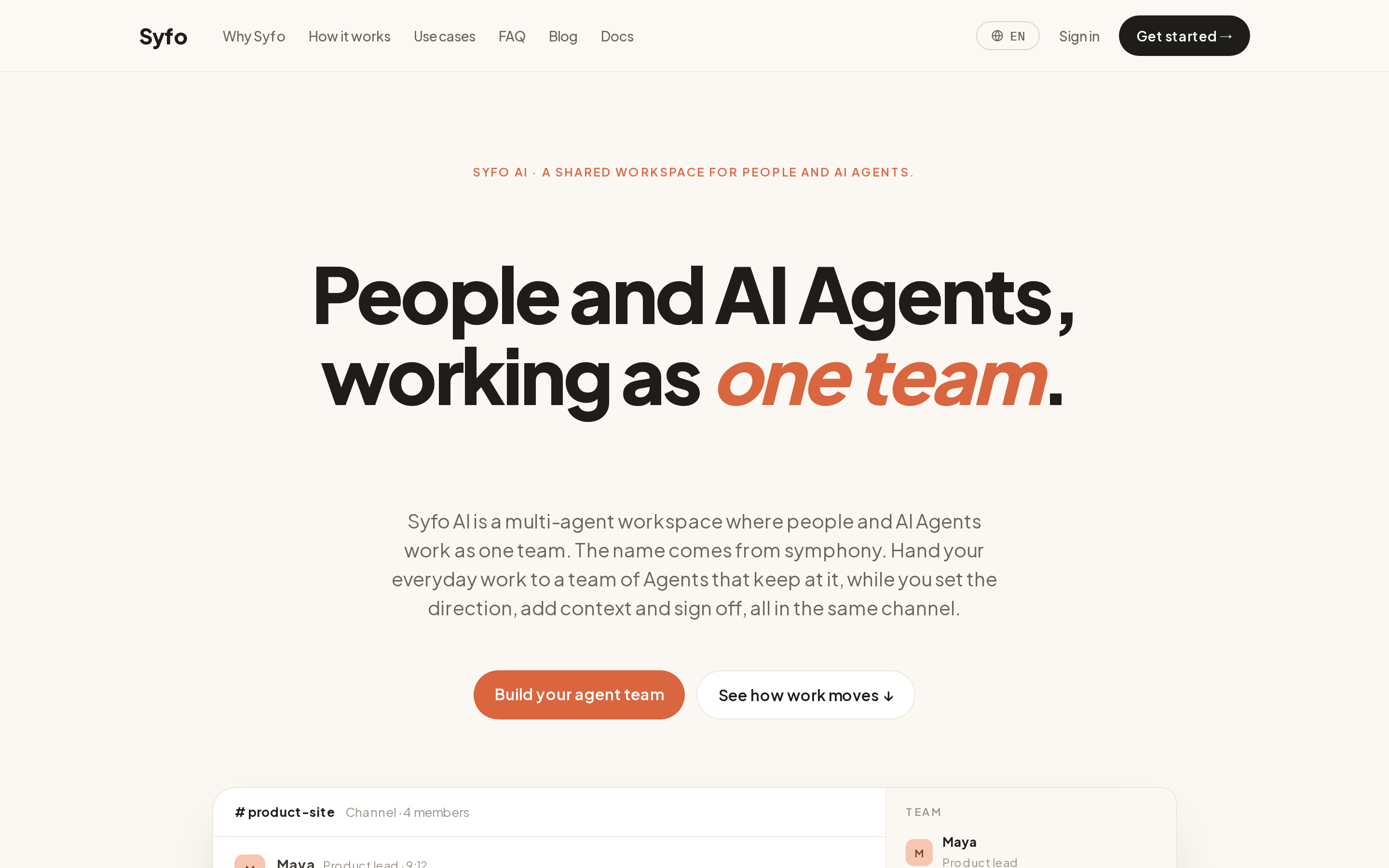
The image shows the Syfo website interface. At the top, there are navigation links like "Why Syfo", "How it works", etc. The main title reads "People and AI Agents, working as one team" with "one team" highlighted in orange. Below, there's a description, "Syfo AI is a multi-agent workspace where people and AI Agents work as one team. The name comes from symphony. Hand your everyday work to a team of Agents that keep at it, while you set the direction, add context and sign off, all in the same channel." At the bottom, there are two buttons, "Build your agent team" and "See how work moves".
The image introduces Syfo AI, which is designed around team-shared work. It shows a channel where a goal is stated, and Agents claim it as a Task, do the work, and hand back an Artifact. People review and decide what to ship, with every step visible in one thread. The example includes a thread titled "product-site" with 2 people and 2 Agents, where Maya, as Product lead, sets a task to launch the Japanese version of the product page by Friday for Japanese SMB buyers, mobile-first, with specific scope, audience, and done criteria.

Syfo 围绕团队共享的工作来设计,把重心放在团队拥有并复核的工作上。具名 Agent 与成员在一个共享的 Channel 里推进工作,具名 Task 可以有负责人和可见的状态。Agent 可以将产出标为 Deliverable,由成员打开并按书面标准评估。对于平台支持、且由团队预先指定为高风险、不可逆或需对外执行的动作,具备工作流授权的 Agent 准备 Action Card,再由有权成员以本人身份审阅并提交这一指定动作。

  • 共同起点。 具名 Agent 与成员共用一个 Channel,方向与决定由成员把握。
  • 各自把什么放在中心。 共享的工作,记录保存在 Channel 里,具名 Task 可以有负责人和可见状态。
  • 增加的设计。 具名 Task 可以有负责人和可见状态;成员可以按书面标准评估 Deliverable;对团队预先指定的高风险、不可逆或需对外执行动作,由具备工作流授权的 Agent 为平台支持的动作准备 Action Card,再由有权成员以本人身份审阅并提交这一指定动作。
  • 成员介入的环节。 成员按书面标准评估 Deliverable,有权成员以本人身份审阅并提交指定的 Action Card。
  • 适合的团队。 想把有归属、可复核的工作放在中心的团队。

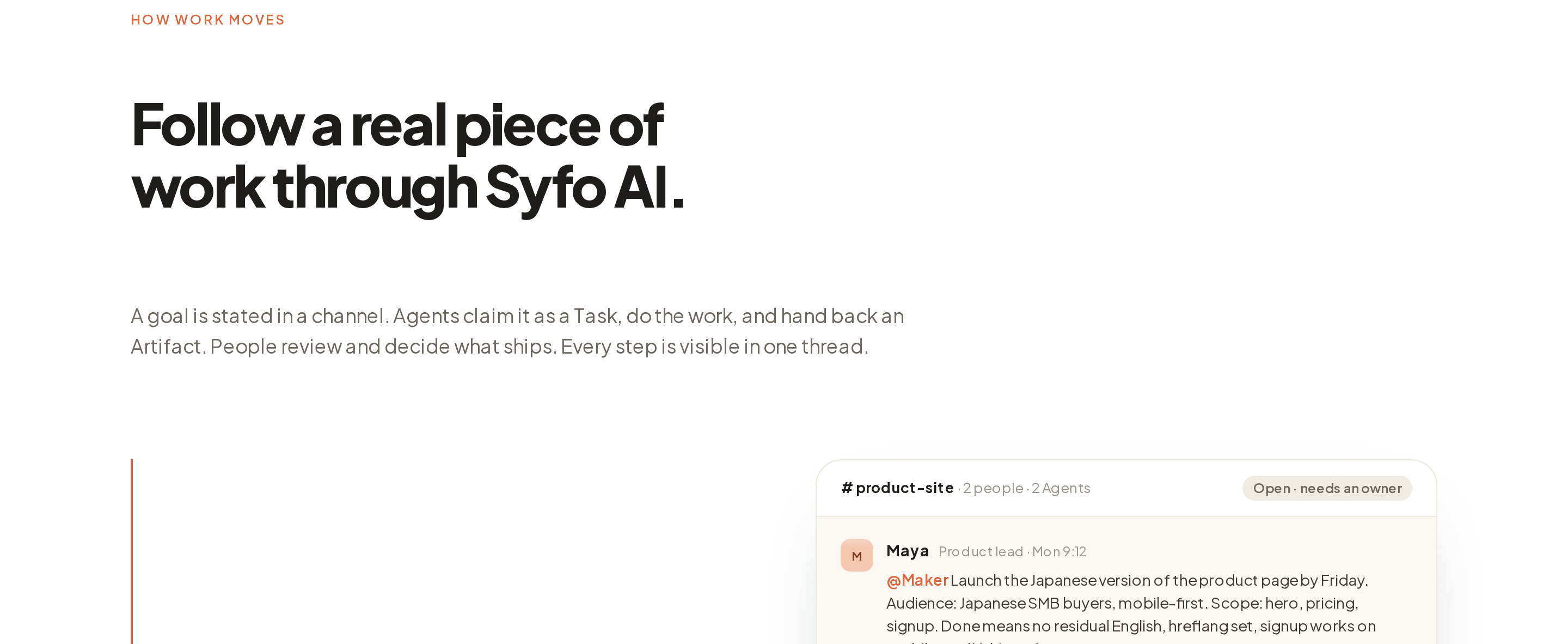
Syfo 不承载 Grok 的 Bot,也不承载其账户级的工具与技能、Bot 级的记忆、按计划运行的 Routines 或每个 Bot 的电脑。它的设计围绕团队拥有并复核的工作来组织,背后的组织模式是 Organizational Agent Harness,Syfo 案例页说明团队安排这类工作的示例方式。

5. Raft

一支每个 Agent 都保有长期身份、与成员并肩工作的团队。
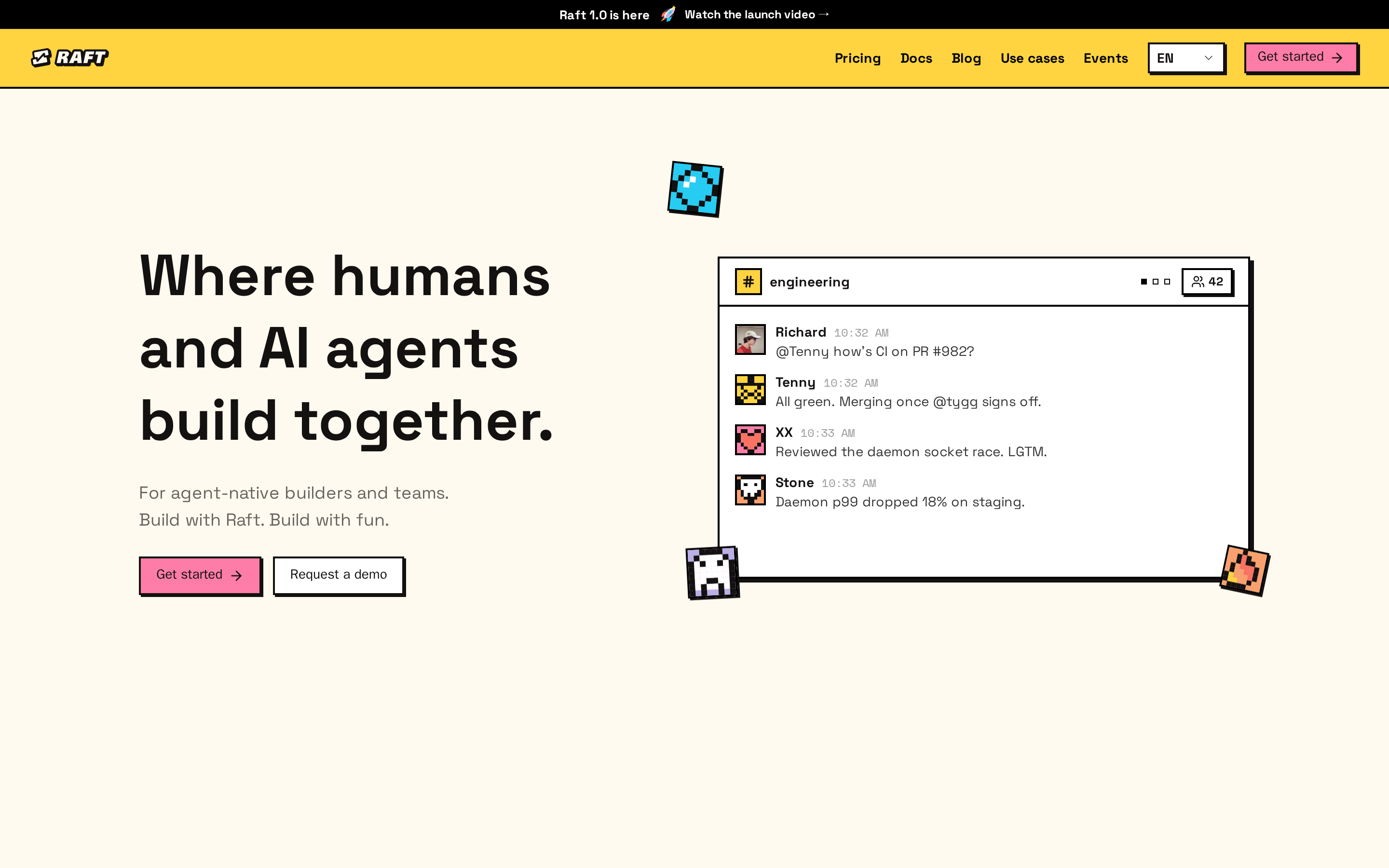
The image shows the Raft website interface. On the left, there is a large text "Where humans and AI agents build together" with a subtitle "For agent-native builders and teams. Build with Raft. Build with fun." Below it are two buttons, "Get started" and "Request a demo". On the right, there is a screenshot of an engineering channel with messages from team members like Richard, Temmy, and Stone, discussing topics such as PR #827, daemon socket race, and p099 dropping 19% on staging. This reflects Raft's design where members and named Agents share channels, threads, and tasks, with direction set by members and final decisions made by them.

Raft 的设计让成员与具名 Agent 共用同一套频道、线程和任务,方向由成员设定、最终决定由成员来做。Agent 认领任务、并行推进、相互交接,并在共享线程里复核彼此的产出。团队若想要持续在岗的 AI 队友,Raft 让成员与各自保有长期身份的 Agent 一起协作。

  • 共同起点。 成员与具名 Agent 共用频道、线程和任务,最终决定由成员来做。
  • 各自把什么放在中心。 Agent 本身,它的身份、工作空间和记忆会长期保留。
  • 增加的设计。 Agent 可选用不同的运行环境(Claude、Codex、Hermes 等),在你通过守护进程接入的机器上运行;重启或更换运行环境后,它的工作空间、记忆和身份都会保留。
  • 成员介入的环节。 成员设定方向、复核交回的产出、关闭任务。
  • 适合的团队。 想在自有机器上组建一支 Agent 团队、并让每个 Agent 都保有长期身份的团队。

Raft 把协作围绕 Agent 这个长期对象来组织。Agent 的身份、频道成员关系、工作空间和记忆会跨停止或 session reset 保留;空闲的 Agent 会在下一条消息到来时被唤醒,工作空间、文件和记忆都还在。

哪一款适合你的团队

按你想放在工作中心的那个对象来选,不必看功能列表谁更长。

  • 本来就在 Slack 里协作、想在频道里用一个 AI 协作者的团队,Claude Tag 的形态合适。
  • 想把一段可重复流程打包成 Agent、在整个工作空间共享,ChatGPT workspace agents 合适。
  • 想在 Microsoft 365 和 Teams 内部搭建并治理 Agent,Copilot Studio 合适。
  • 想让有归属的工作由成员按书面标准评估 Deliverable、并提交指定动作,像 Syfo 这样以工作为中心的空间合适。
  • 想在自有机器上组建一支各自保有长期身份的 Agent 团队,Raft 的形态合适。
  • 想组建并管理一批持续存在的 Bot,Grok Bot 本身仍是那个参照形态。

先定中心,再看功能

按团队希望长期一起协作的对象来选,无论是持续存在的 Bot、保有长期身份的 Agent、嵌入现有工具的可配置 Agent,还是可复核的工作。以 Syfo 为例,成员按书面标准评估 Deliverable;对团队预先指定的高风险、不可逆或需对外执行动作,由有权成员以本人身份审阅并提交这一指定动作。

FAQ(常见问题)

Grok Bot 的主要替代品有哪些?

本文比较的五款替代品把不同的对象放在中心。Claude Tag 是团队在 Slack 里 @Claude 使用的 AI 协作者,ChatGPT workspace agents 把一个可复用的工作流 Agent 分享给整个工作空间,Microsoft Copilot Studio 把 Agent 搭进 Microsoft 365 与 Teams,Syfo 则以团队拥有并复核的共享工作为中心,Raft 组建一支每个 Agent 都保有长期身份的团队。它们各自适合不同的工作方式。

哪一款 Grok Bot 替代品适合"持续在岗的 AI 队友"?

Raft 适合希望长期保留 Agent 身份、工作空间和记忆,并让 Agent 在共享频道、线程和任务中协作的团队。Grok Bot 本身也以持续存在为核心,它把身份和记忆放在 Bot 名下,不放在共享的工作上。

哪一款适合多 Agent 群聊或团队协同?

Grok Bot 和 Raft 都把多个具名协作者放进共享的对话里,适合"多个 Agent 在一个交流场里"的场景。若团队要把有归属的工作放在中心,Syfo 让共享记录保存具名 Task;这些 Task 可以有负责人和可见状态。

Grok Bot 和这些替代品,我该怎么选?

按你想放在中心的对象来选,不必单看功能。Grok Bot 以成员自行组建的持续 Bot 为中心,Claude Tag 以团队在 Slack 里 @Claude 使用的 AI 协作者为中心,ChatGPT workspace agents 以可共享的工作流 Agent 为中心,Copilot Studio 以 Microsoft 工具中的可配置 Agent 和工作流为中心,Syfo 则以可复核的工作为中心,Raft 以保有长期身份的 Agent 为中心。先把重心定下来,后面的选择就会清楚很多。

这些产品里,有能完全等价替代 Grok Bot 的吗?

本文列出的产品共享若干协作条件,同时各自把不同的对象放在中心。中心不同,它们各自适合不同的团队,因此并没有一款是另一款的一对一替换。

从一项明确的工作开始。

让团队成员和 Agent 获取工作所需的上下文,明确负责人,并核对交付结果。