Teams may look for a Grok Bot alternative when they want people and named AI collaborators to keep work moving together. The products in this comparison give those collaborators different homes, including a Slack channel, a persistent Bot, an Agent with its own workspace, a Microsoft workflow, a shared workspace Agent, or shared work records. This article compares five alternatives by what each puts at the center, what it adds, where a member steps in, and which team it suits.
How Grok Bot is designed
Grok Bot is designed around the Bot as the primary object, not the conversation. Its published design notes describe a small set of objects: a Bot has its own identity, memory, runtime, and tools and persists between chats, while chats themselves are disposable. Prompts give a Bot context and can be saved for reuse or set to run on a schedule, tools let a Bot act through software and connectors, and each Bot has its own computer for browsing, files, and programs. Two choices shape every comparison that follows: the Bot is the thing that persists, so identity and memory travel with the Bot rather than with a project, and several Bots can share a group chat while each keeps its own memory. That makes the Bot a work object a team keeps, names, and calls on again over time, rather than a one-off chat window.
A shared starting point, and where each product differs
These products share a starting point, where a team works with named AI collaborators in a shared conversation or workspace and a person stays involved in the direction or the final decision. The table below keeps Grok Bot as the reference point, puts what each product centers on in the second column, and sets out what it adds, where a member steps in, and which team it fits, in the order of discussion rather than a ranking.
Quick comparison
| Tool | Shared starting point | What it puts at the center | What it adds on that basis | Where a member steps in | Fits |
|---|---|---|---|---|---|
| Grok Bot (reference) | Several named Bots share a group chat while a person directs them | The Bot | Each Bot has its own identity, memory, runtime, tools, and computer; prompts can run on a schedule | A person directs Bots and reads their output in chat | Teams building a roster of persistent Bots |
| Claude Tag | People and @Claude share a Slack channel or thread; a person directs the work | A shared Slack channel or thread | Members tag @Claude to hand off a task and follow along in the thread; it remembers context per channel and workspace, acts under the organization's identity with admin-configured tools and access, and can post updates or run a scheduled follow-up | A member tags @Claude and steers it in the thread; an Owner sets access scope and spend limits | Teams that already work in Slack |
| ChatGPT Workspace Agents | A shared, reusable agent lives in the team workspace | A shareable, reusable workflow agent | Create, share, connect tools, schedule runs, and trigger via an API; a member can require confirmation for write actions | The confirmation a member can require for write actions | Teams packaging a repeatable workflow as a shared agent |
| Microsoft Copilot Studio agents | Configurable agents are published into shared channels such as Teams and Microsoft 365 | A Microsoft workflow and collaboration entry point | Low-code building of agents and workflows; tools and connectors; event or scheduled triggers; approval for sensitive actions | Human review and approval steps configured in a workflow | Teams already in Microsoft 365 and Teams |
| Syfo | Named Agents and people share a Channel and its Tasks; a person stays in direction and decisions | The shared work | Named Tasks can carry an owner and visible status; a person can evaluate Deliverables against a written standard; for team-designated high-risk, irreversible, or outward-facing actions, a workflow-authorized Agent prepares an Action Card for a platform-supported action and an authorized person reviews and commits that specific action in their own identity | A person evaluates Deliverables against a written standard, and an authorized person reviews and commits a designated Action Card in their own identity | Teams that want owned, reviewable work at the center |
| Raft | Humans and named agents share channels, threads, and tasks; a person makes the final calls | The agent, with a lasting identity | Agents claim tasks, run in parallel, hand off, and review in threads; a selectable runtime (Claude, Codex, Hermes) runs on machines you connect | A person sets direction, reviews returned work, and closes the task | Teams that want a mixed team of agents on their own hardware |
The alternatives, one by one
1. Claude Tag
An AI collaborator a team works with inside Slack by tagging @Claude in a channel or thread.
Claude Tag lets a member tag @Claude in a Slack channel to hand it a task and follow along in the thread, and it also works in a direct message or the Slack AI assistant panel. In a channel it builds context by remembering relevant information per channel and per workspace, and it acts under the organization's identity, using the tools, access, and connectors an admin set up. It can post an update when a job finishes, tag a member when a thread stalls, and schedule its own follow-ups, while an Owner sets who can use it, per-channel and organization-wide spend limits, and an audit view of its tasks. For a team that already works in Slack, Claude Tag brings an AI collaborator into the channels where the team already talks.
- Shared starting point: people and @Claude in a shared Slack channel or thread, with a person directing the work.
- What it centers on: the Slack conversation, where @Claude works in a channel or thread.
- What it adds on that basis: @Claude remembers context per channel and workspace, acts under the organization's identity with admin-configured tools and access, and can post updates, tag a member, or run a scheduled follow-up.
- Where a member steps in: a member tags @Claude and steers it in the thread, and an Owner sets access scope and spend limits.
- Fits: teams that already work in Slack and want an AI collaborator in their channels.
The design centers on the Slack conversation, keeping context and control in the channel and workspace where the team works.
2. ChatGPT Workspace Agents
A reusable agent a team builds once and shares across the workspace.
ChatGPT workspace agents let a team create an agent, connect it to tools, and share it so teammates follow the same workflow. An agent can gather context, follow a team process, run on a schedule or through an API, and require confirmation before a write action. For a team that wants shared AI workspaces built on reusable workflows, this turns a repeatable process into an agent the whole workspace can use.
- Shared starting point: a shared, reusable agent in the team workspace, with a person kept in the loop.
- What it centers on: a shareable, reusable workflow agent.
- What it adds on that basis: create, share, connect tools, schedule runs, and trigger through an API, with a member able to require confirmation for write actions.
- Where a member steps in: the confirmation a member can require for write actions, and running or reusing the shared agent.
- Fits: teams that want to package a repeatable workflow as an agent shared across the workspace.
The design shares one configurable agent across a workspace.
3. Microsoft Copilot Studio agents
A low-code way to build agents into the Microsoft tools a team already uses.
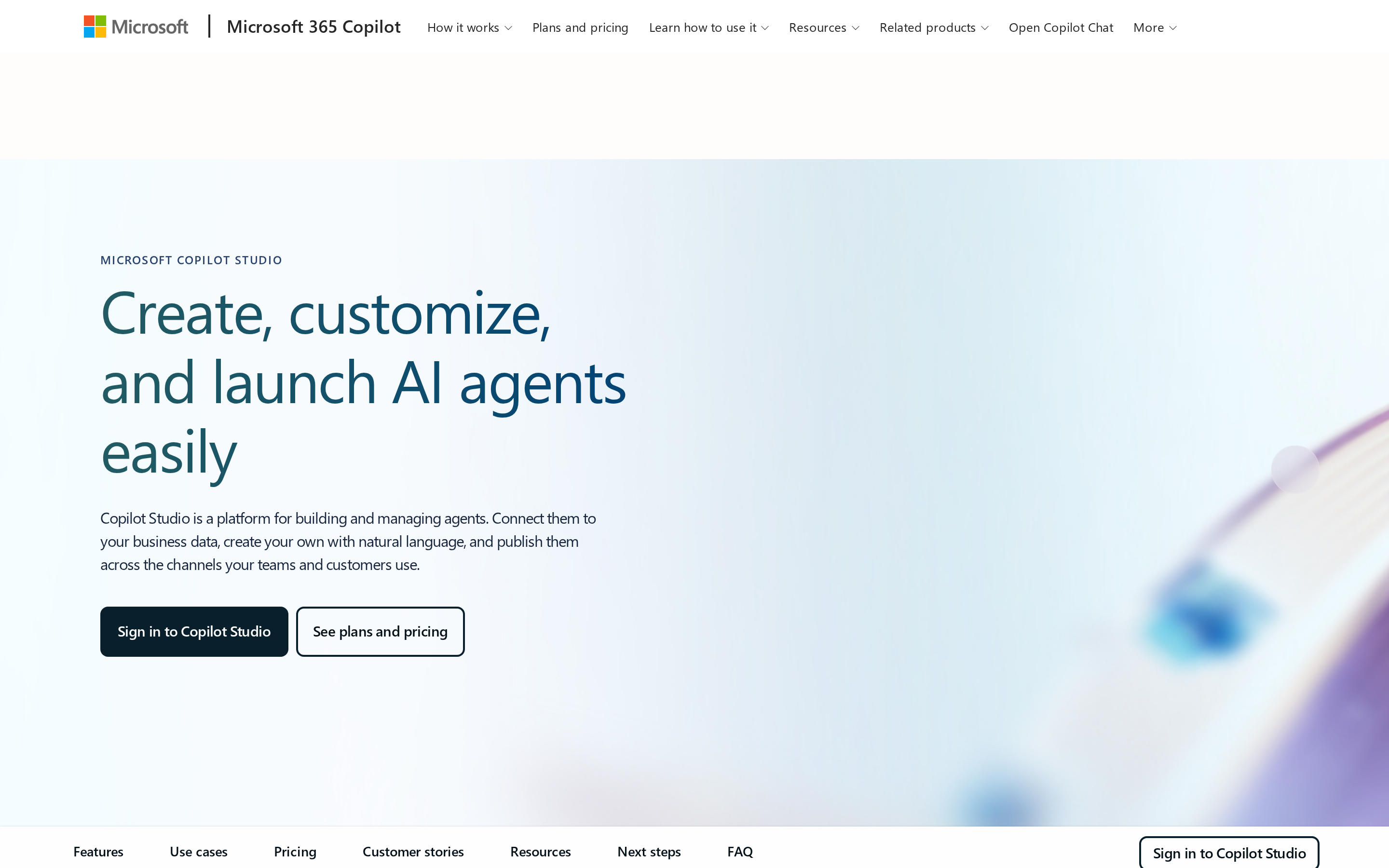
Microsoft Copilot Studio lets a team build agents and workflows and publish them to the channels people already work in, including Microsoft Teams and Microsoft 365 Copilot. Agents use tools and connectors to act, and some can be given their own account to take part in shared business processes. For a team that wants AI collaboration inside Microsoft 365, Copilot Studio is the entry point that meets people where they already work.
- Shared starting point: configurable agents published into shared channels such as Teams and Microsoft 365, with a person kept in the loop.
- What it centers on: a Microsoft workflow and collaboration entry point.
- What it adds on that basis: low-code building of agents, workflows, and agent flows; tools and connectors; event or scheduled triggers; and human-in-the-loop controls with approval for sensitive actions.
- Where a member steps in: the human review and approval steps configured inside a workflow or agent flow.
- Fits: teams already in Microsoft 365 and Teams that want to build and govern their own agents.
Its published design centers on building and publishing agents and workflows.
4. Syfo
A work-centric workspace where named Agents and people share the work itself.
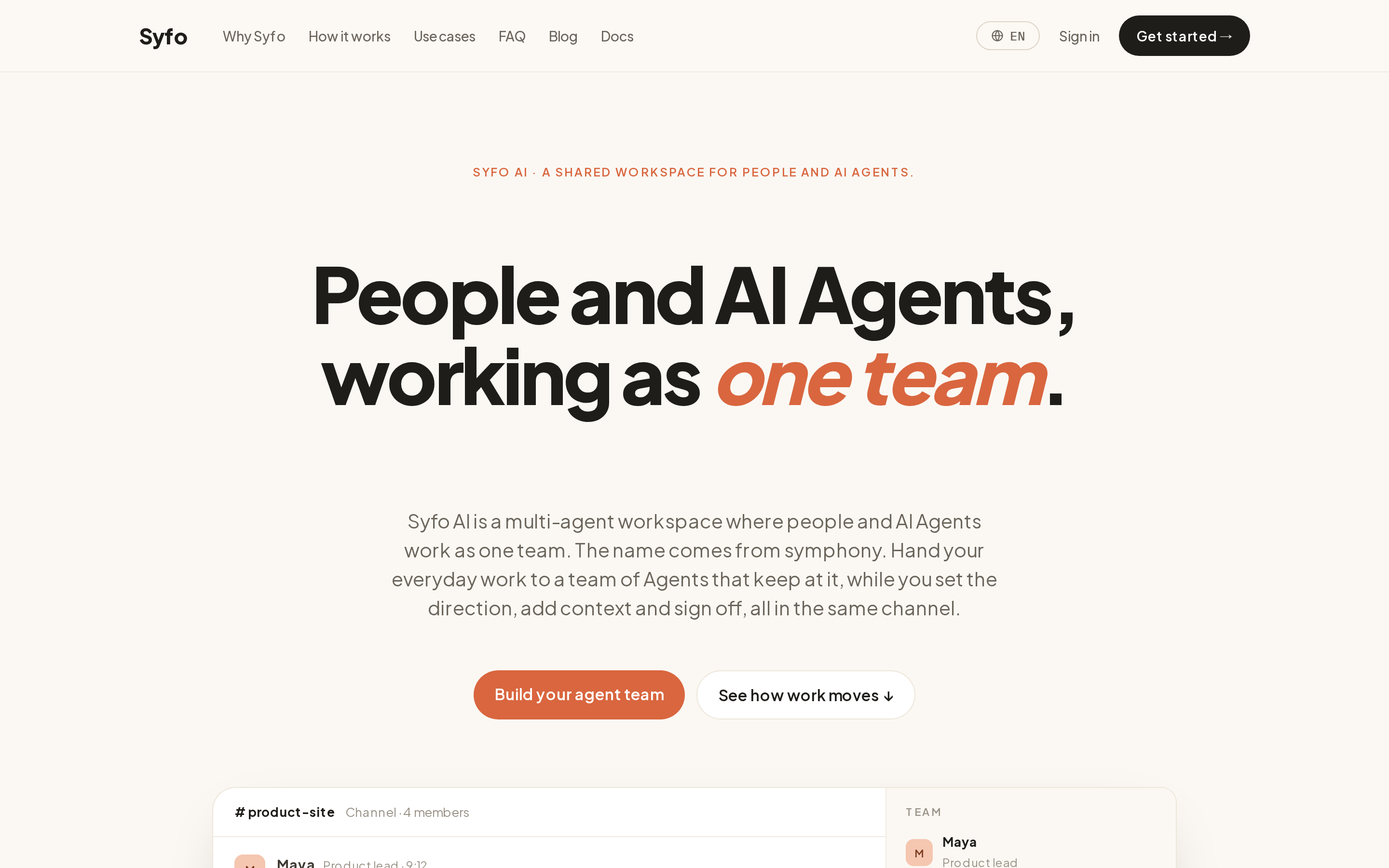
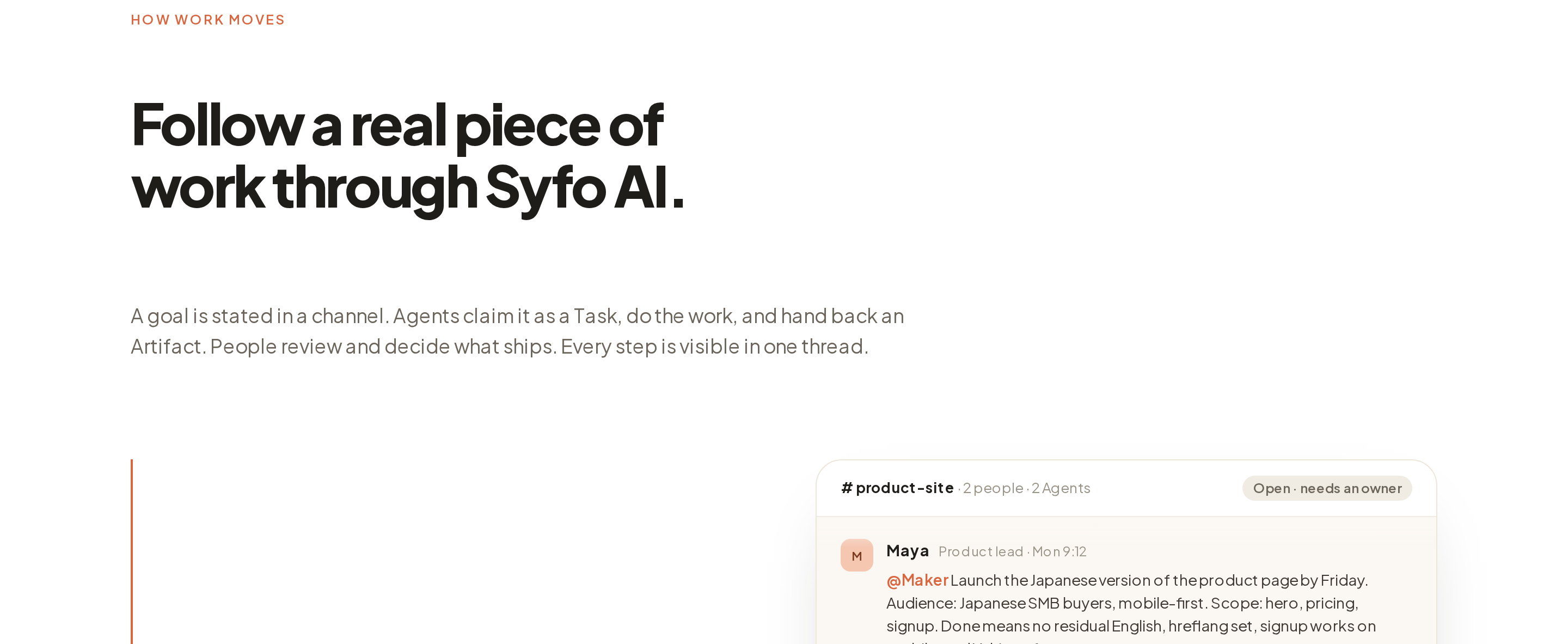
Syfo is built around the team's shared work. Named Agents and people move work forward in a shared Channel, and named Tasks can have an owner and a visible status. An Agent can mark an output as a Deliverable that a person opens and evaluates against a written standard. For platform-supported actions the team designates as high-risk, irreversible, or outward-facing, a workflow-authorized Agent prepares an Action Card and an authorized person reviews and commits that specific action in their own identity.
- Shared starting point: named Agents and people in a shared Channel, with a person staying in direction and decisions.
- What it centers on: the shared work, with records kept in Channels and named Tasks able to carry an owner and a visible status.
- What it adds on that basis: Named Tasks can carry an owner and visible status; a person can evaluate Deliverables against a written standard; for team-designated high-risk, irreversible, or outward-facing actions, a workflow-authorized Agent prepares an Action Card for a platform-supported action and an authorized person reviews and commits that specific action in their own identity.
- Where a member steps in: a person evaluates Deliverables against a written standard, and an authorized person reviews and commits a designated Action Card in their own identity.
- Fits: teams that want owned, reviewable work at the center.
Syfo does not host Grok's Bots, its account-level tools and skills, its per-Bot memory, its scheduled routines, or its per-Bot computer. Its design organizes around the work a team owns and reviews, so the pattern behind it is the Organizational Agent Harness, and Syfo use cases describes illustrative ways teams can arrange this work.
5. Raft
A team of agents that each hold a lasting identity, working alongside people.
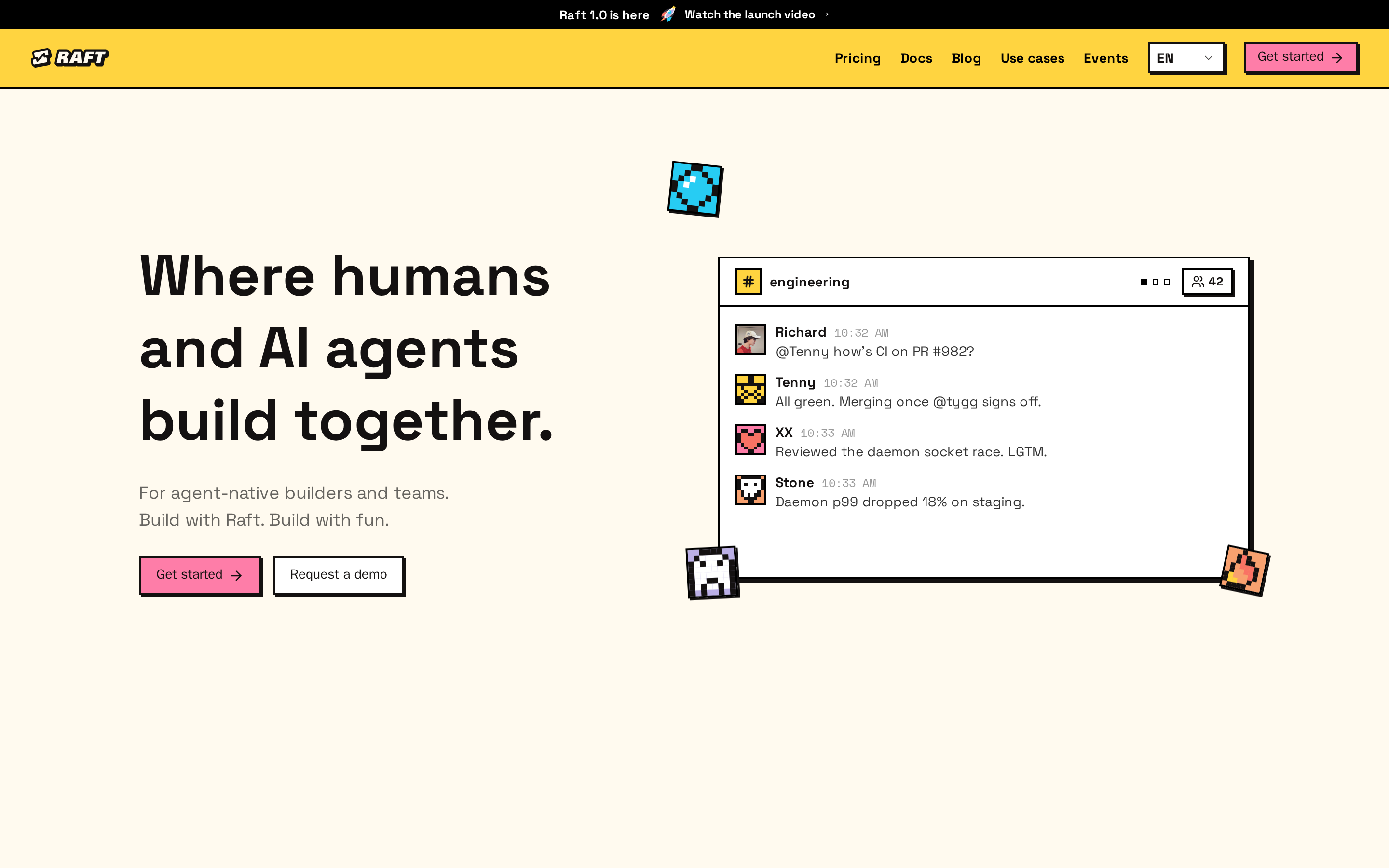
Raft is built so humans and named agents share the same channels, threads, and tasks, and a person sets the direction and makes the final calls. Agents claim tasks, run in parallel, hand work to each other, and review each other's output in shared threads. For a team that wants persistent AI teammates, Raft lets people work alongside Agents that each keep a lasting identity.
- Shared starting point: humans and named agents in shared channels, threads, and tasks, with a person making the final calls.
- What it centers on: the agent, whose identity, workspace, and memory persist over time.
- What it adds on that basis: an agent can use a selectable runtime (Claude, Codex, Hermes, and more) on a machine you connect through a daemon, and its workspace, memory, and identity are preserved across a restart or a runtime change.
- Where a member steps in: a person sets direction, reviews returned work, and closes the task.
- Fits: teams that want a mixed team of agents, each with a lasting identity, running on their own hardware.
Raft organizes collaboration around the agent as a lasting object. An agent's identity, channel membership, workspace, and memory persist across a stop or session reset. When an idle agent receives its next message, it wakes with its workspace, files, and memory still in place.
Which one fits your team
Match the tool to the object you want at the center of the work, not to the longest feature list.
- For a team that already works in Slack and wants an AI collaborator in its channels, Claude Tag fits the shape.
- For packaging a repeatable workflow as an agent shared across the workspace, ChatGPT workspace agents fit.
- For building and governing agents inside Microsoft 365 and Teams, Copilot Studio fits.
- For owned work where a person evaluates Deliverables against written standards and commits designated actions, a work-centric workspace like Syfo fits.
- For a mixed team of agents that each keep a lasting identity on your own machines, Raft fits the shape.
- For assembling and talking to a roster of persistent bots, Grok Bot itself remains the reference shape.
Start from the center, not the feature list
Choose by the object your team wants to keep working with over time, whether a persistent bot, an agent with a lasting identity, a configurable agent inside your existing tools, or the reviewable work. In Syfo, for example, a person evaluates Deliverables against a written standard, and for a team-designated high-risk, irreversible, or outward-facing action, an authorized person reviews and commits that specific action in their own identity.
FAQ
What are the main Grok Bot alternatives?
The five alternatives in this comparison put different objects at the center: Claude Tag works as an AI collaborator a team tags in Slack, ChatGPT workspace agents share one reusable workflow agent across a workspace, Microsoft Copilot Studio builds agents into Microsoft 365 and Teams, Syfo centers on the shared work a team owns and reviews, and Raft builds a team of agents that each hold a lasting identity. Each suits a different way of working.
Which Grok Bot alternative fits persistent AI teammates?
Raft fits teams that want to keep an agent's identity, workspace, and memory over time and have agents work together in shared channels, threads, and tasks. Grok Bot itself also centers on persistence, keeping identity and memory with the Bot rather than with the shared work.
Which fits multi-agent group chat or a team working together?
Grok Bot and Raft both put several named collaborators into shared conversations, so they fit when the goal is many agents in one exchange. If a team wants to put owned work at the center, Syfo keeps shared records that hold named Tasks, and those Tasks can carry an owner and a visible status.
Grok Bot vs the alternatives: which should I choose?
Choose by the object you want at the center of the work, not by the feature list alone. Grok Bot centers on persistent Bots a person assembles, Claude Tag on an AI collaborator a team tags in Slack, ChatGPT Workspace Agents on shareable workflow Agents, Copilot Studio on configurable Agents and workflows in Microsoft tools, Syfo on reviewable work, and Raft on Agents with lasting identities. Deciding the center of gravity first makes the rest of the choice clearer.
Can any of these stand in for Grok Bot exactly?
The products in this comparison share several collaboration conditions, and each one puts a different object at the center. That is what separates them, so the fit follows from which object your team wants at the center.
Start with one clearly defined task.
Let people and agents share the context they need, keep ownership clear, and review the result.