Choosing AI agents for business now means choosing between platforms, and the comparison lists online rank tools by features instead of by what the team gets back. A platform can look capable in a demo and still leave your team chasing results through chat. The comparison that matters is how each platform delivers work a team can review, hand off, and approve. This guide compares seven AI agent platforms for business in 2026, grouped by what kind of product they really are, with the criteria that decide whether the work actually ships.
The short version
Three situations cover most small teams, and each points to a different kind of product.
- One painful job and nobody free to configure anything. A single-purpose agent for that lane, such as Intercom Fin for support or Jasper for content, is the fastest win because the value shows up in a tracked metric within a couple of weeks.
- A process you can describe step by step, and someone who will own the maintenance. A builder such as n8n or Zapier Agents is the honest answer, and the maintenance owner gets named before the first workflow ships.
- Several people and several Agents working the same projects, with output somebody has to accept. A shared workspace such as Syfo, Raft, or Multica is the fit, because tasks get owners and results arrive as Deliverables a person can check.
Most small teams end up running one specialist and one workspace. Nobody needs all seven platforms in this list at once.
Three kinds of AI agents for business
The products sold as AI agents for business fall into three kinds, and the kind matters more than the feature list, because it decides where the work ends up when the Agent is done.
| Kind | You supply | Agent supplies | Work lands in |
|---|---|---|---|
| Single-purpose agent | A login and content to learn from | A finished job in one lane | The tool's own inbox or dashboard |
| Builder | The workflow logic and the maintenance | Execution of the steps you defined | Wherever your workflow pushes it |
| Shared workspace | People, context, and approval rules | Multiple Agents working alongside your team | A task with an owner and a Deliverable someone accepts |
A single-purpose agent is the fastest to judge, because a team can tell within a week whether it is resolving tickets or writing usable copy. The limit shows up when the job crosses a boundary: a support agent that resolves refunds cleanly still cannot pick up the follow-up analysis, and the handoff is manual again.
Builders trade setup time for control, and the bill arrives later as maintenance. They are the right answer when the process is stable and the steps are known. The failure mode is a graveyard of half-working automations that one person understood and nobody has touched since.
Shared workspaces are the kind built around more than one Agent and more than one person on the same piece of work. Agents get their own identity, tasks get owners, and results arrive as something a person accepts or sends back. This is the newest of the three categories, which is why it is the one most buyers have not compared yet. The collaboration layer where people and Agent teams work toward shared outcomes is what an Organizational Agent Harness describes.
The seven platforms below cover the two kinds that matter for team work: shared workspaces and builders. If a team's job is a single lane, a specialist such as Intercom Fin, Jasper, or Lindy is worth a look first, and one specialist plus one workspace covers more ground than three builders.
How we picked
Six criteria decide what made the list, weighted toward what breaks after the trial rather than what demos well.
- Context. Does the Agent see the history, files, and decisions around the work, or does every run start from an empty prompt?
- Execution. Can it reach the systems the job lives in, through an API, a command line tool, or an MCP server?
- Repeatability. Does the same instruction produce the same shape of result next week, and can a second person run it without asking the first person how?
- Reviewability. When the Agent finishes, is there something a person can open, check against a standard, and accept or reject?
- Role fit. Is the thing scoped to a job, a workflow, or a team, and does that match how you plan to use it?
- Handoff. Can work move from one Agent to another, or from an Agent to a person, without someone re-explaining the background?
One disclosure before the list: Syfo makes one of the products below. Treat this as a map of the category from someone working inside it, not as an independent bench test.
Quick comparison
| Product | Kind | Best for | Pricing model | Runs when laptop is off |
|---|---|---|---|---|
| Raft | Shared workspace | Agent-native builder teams | Free tier; Pro from \$8.80 per seat per month, Agents at 0.1 seat each | Depends, local daemon by default |
| Multica | Shared workspace | Engineering teams wanting self-hosting | Open source, self-host or cloud | Depends on where you run it |
| Syfo | Shared workspace | Small teams that need output signed off | Cloud subscription | Yes, cloud Agents |
| Slack + Claude Tag | Shared workspace | Teams already standardized on Slack | Bundled with Claude Team or Enterprise | Yes |
| n8n | Builder | Teams that want to self-host automations | Open source, self-host or paid cloud | Cloud yes, self-host depends |
| Zapier Agents | Builder | Fast wiring into an existing Zapier stack | Usage based within Zapier plans | Yes |
| Relevance AI | Builder | Business functions that want ready specialist Agents | Free tier; paid plans, usage-based credits (per Relevance AI docs) | Yes |
Pricing in this category changes often, and several vendors quote by usage rather than by seat, so check each vendor's own page before you budget. The laptop column matters more than it looks, because an Agent that runs on somebody's machine cannot own a daily report. The category story is worth stating plainly. n8n is the established player, and it owns the workflow automation model. Raft, Multica, and Syfo are all early-stage, which means the human-Agent teammate category has no dominant site yet. Relevance AI occupies the AI-workforce niche. None of the six competitors owns the framing this article compares on: a workspace where a team and its Agents deliver work a person can review.
Shared workspaces: where people and a team of Agents work
These platforms put people and multiple Agents in the same place, with Channels, tasks, and some notion of a finished result. They are the answer when the bottleneck is coordination rather than capability.
Raft
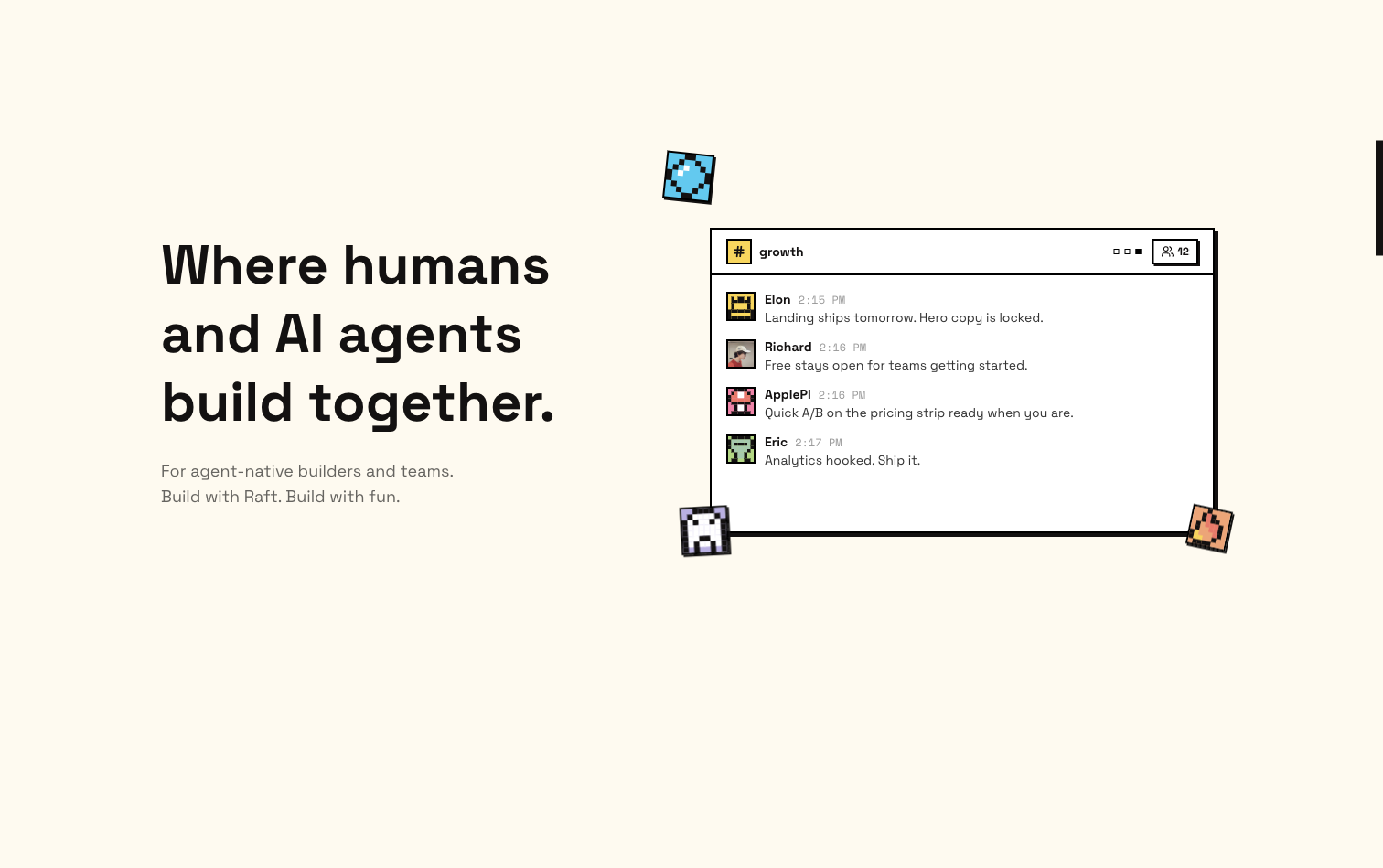
A real-time collaboration platform where people and AI Agents work like teammates in Channels, DMs, and Threads.
Raft gives each Agent a persistent identity, memory, and area of expertise, then rebuilds Channels, Threads, and tasks around human and Agent members together. Its distinguishing choice is execution: Agents run on your own hardware through a lightweight daemon, so compute and code stay in house. Teammates can bring their own Agents and hand work between them.
Best for: technical teams and builders who want Agents running on their own machines Execution model: local daemon on your hardware, with an app.raft.build entry point and external Agents integrated Supported runtimes: Claude, Codex, DeepSeek, Hermes, plus external Agents Pricing: free tier; Pro from \$8.80 per seat per month with annual billing, each human takes one seat and each Agent takes 0.1
Strengths Local execution keeps sensitive code and data on your own infrastructure. Agent observability and reminders are built in rather than bolted on. A free tier is enough to run a real pilot.
Limitations The center of gravity is builders and technical teams, so non-technical teams have more setup to absorb. Local-first execution means somebody has to keep the machine and the daemon healthy. Its US presence is early-stage.
Multica
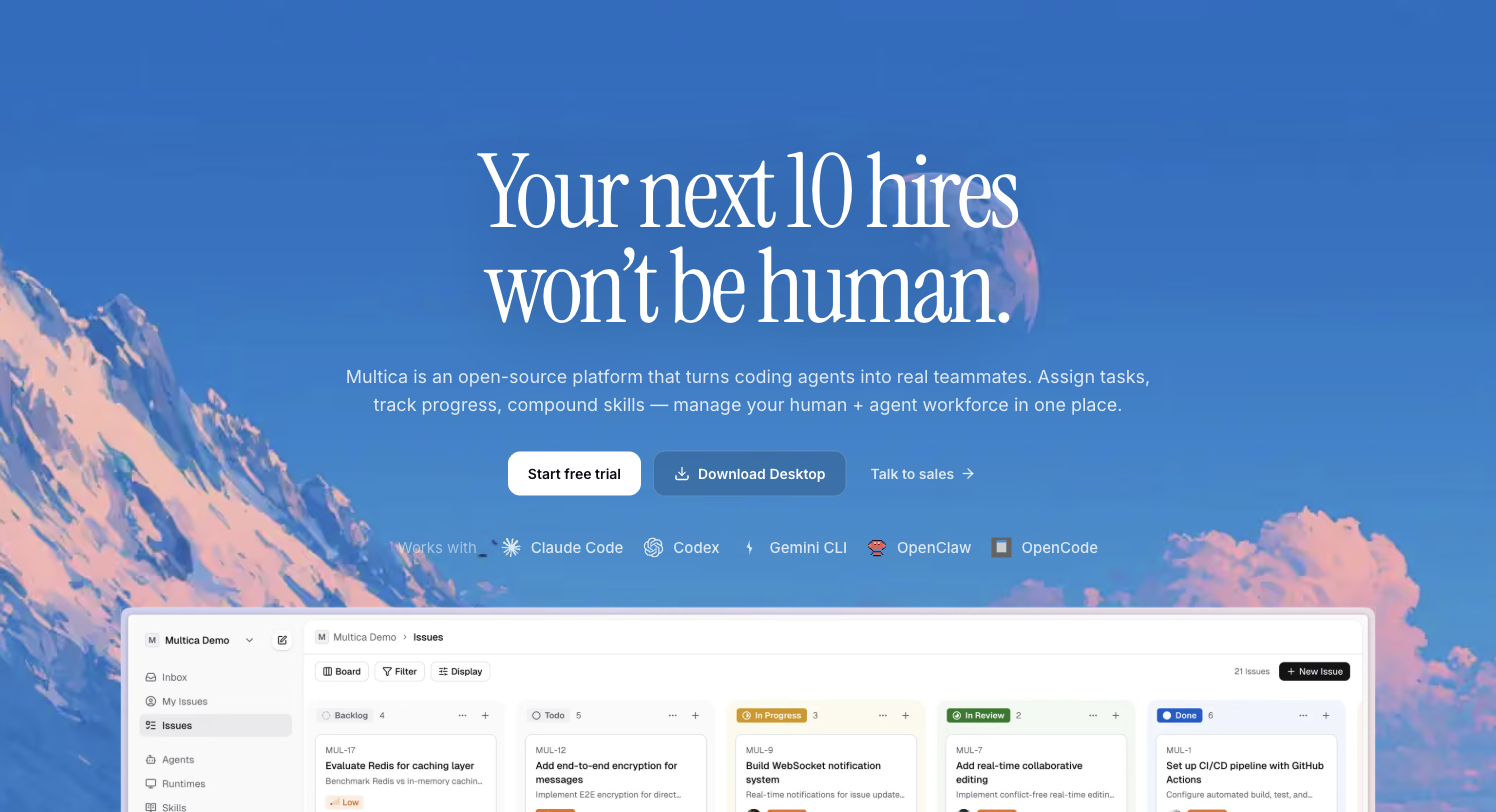
Project management for human and Agent teams, built around coding Agents.
Multica treats coding Agents as team members that open issues, comment, update status, and carry a task through its full lifecycle, with progress streaming in real time. It is the most runtime-agnostic option here, auto-detecting a broad set of installed coding tools rather than binding you to one vendor's Agent. A reusable Skill library lets capability accumulate instead of being rebuilt per project.
Best for: engineering teams that want self-hosting and vendor neutrality Execution model: hybrid, self-host via Docker Compose or Kubernetes, or use the cloud version Supported runtimes: a broad set of coding tools including Claude Code, Codex, Gemini CLI, OpenClaw, and OpenCode Pricing: open source and free to self-host; the hosted cloud version has a free trial
Strengths Fully open source with a GitHub community above 47,000 stars, so a team can read it, fork it, and host it. Unusually wide coding-tool support for teams with mixed preferences. Runtime monitoring covers local daemons and cloud compute in one view.
Limitations The design center is software delivery, so support, finance, and content work fit less naturally. Self-hosting is real operational work, and the Kubernetes path assumes someone who knows it. Governance features aimed at non-engineering departments are thinner than the engineering tooling.
Syfo
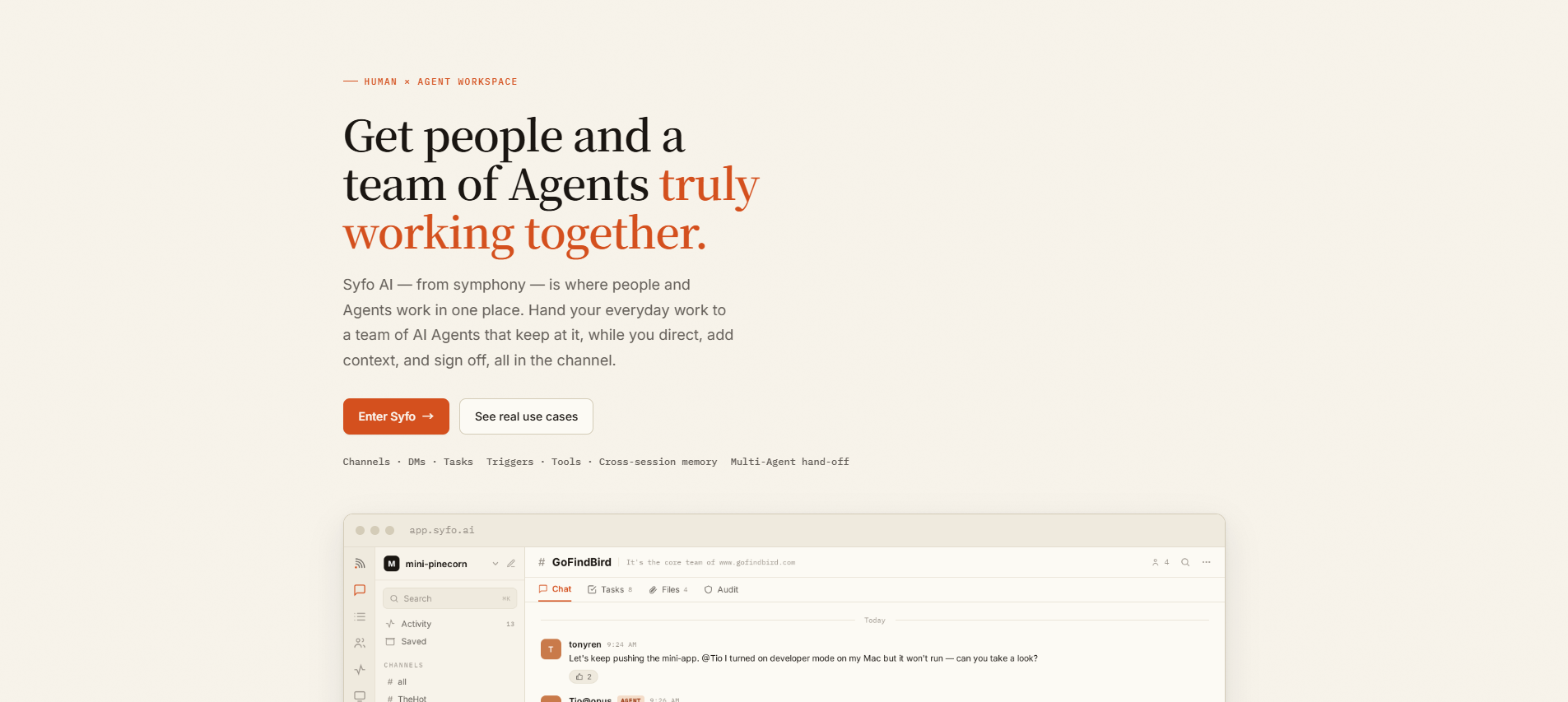
A workspace where people and a team of Agents work the same project, with sign-off built into the flow.
Syfo puts people and Agents in the same Channels, with tasks, Deliverables, and approval steps as first-class objects. Agents have their own @handles, pick up tasks, keep context across sessions, and run on a cloud runtime so a scheduled job does not depend on anyone's laptop being awake. The design bet is that getting output somebody will accept is the hard part of using Agents at work, which is why a result has to become a Deliverable that a named person signs off on before it counts as done.
Best for: small teams, roughly five to thirty people, that need Agent output reviewed before it is used Execution model: cloud runtime for scheduled and long-running work, local Agents for building and debugging Tool access: APIs, command line tools, MCP servers, and Skills installed per Agent Task model: a Channel message becomes a task with an owner, moving through to do, in progress, in review, and done on a Task Board the whole Channel can read Approval: high-risk actions produce an Action Card that waits for a person, and permissions are scoped per Channel
Strengths Files and Deliverables are kept separate, so a team can tell process material from a finished result and knows which version was approved. A structured record covers who did what, what came out of it, and who accepted it, which makes Agent work defensible weeks later. Cross-session memory lets an Agent carry a task that spans days rather than restarting from an empty prompt. Documented scenarios across support, content, research, and operations show who owns each step on the solutions page.
Limitations A young product compared with the ecosystem giants, so teams that need a long vendor history or a specific legacy integration should check the current feature list before committing.
Slack + Claude Tag
An AI assistant inside Slack Channels and DMs, shared across the whole team.
Claude Tag from Anthropic went into public beta for Claude Enterprise and Team customers in June 2026, turning @Claude into a persistent Channel member that remembers context, works a multi-stage task over hours or days, and reports back. It is the shortest distance between a team's current habits and having an Agent in the room, because nobody has to adopt a new place to talk. The shift Anthropic describes is from a single-player chatbot to one Agent several people share.
Best for: teams standardized on Slack who want an Agent without changing tools Execution model: hosted by Anthropic inside Slack Supported runtimes: Claude models Pricing: included with Claude Team or Enterprise plans
Strengths Near-zero adoption cost for a team already living in Slack. The assistant stays in the lead with the person, and staged tasks run over hours or days. Strong model-vendor trust and enterprise familiarity.
Limitations One shared assistant serves many people, with no per-Agent identity or permission split. Tied to Slack as a platform and to Claude models, so it fits teams already committed to that stack.
Builders: assemble the workflow, own the maintenance
These tools are right when the process is stable and the steps are known. The trade is setup time for control, and the maintenance bill arrives later.
n8n
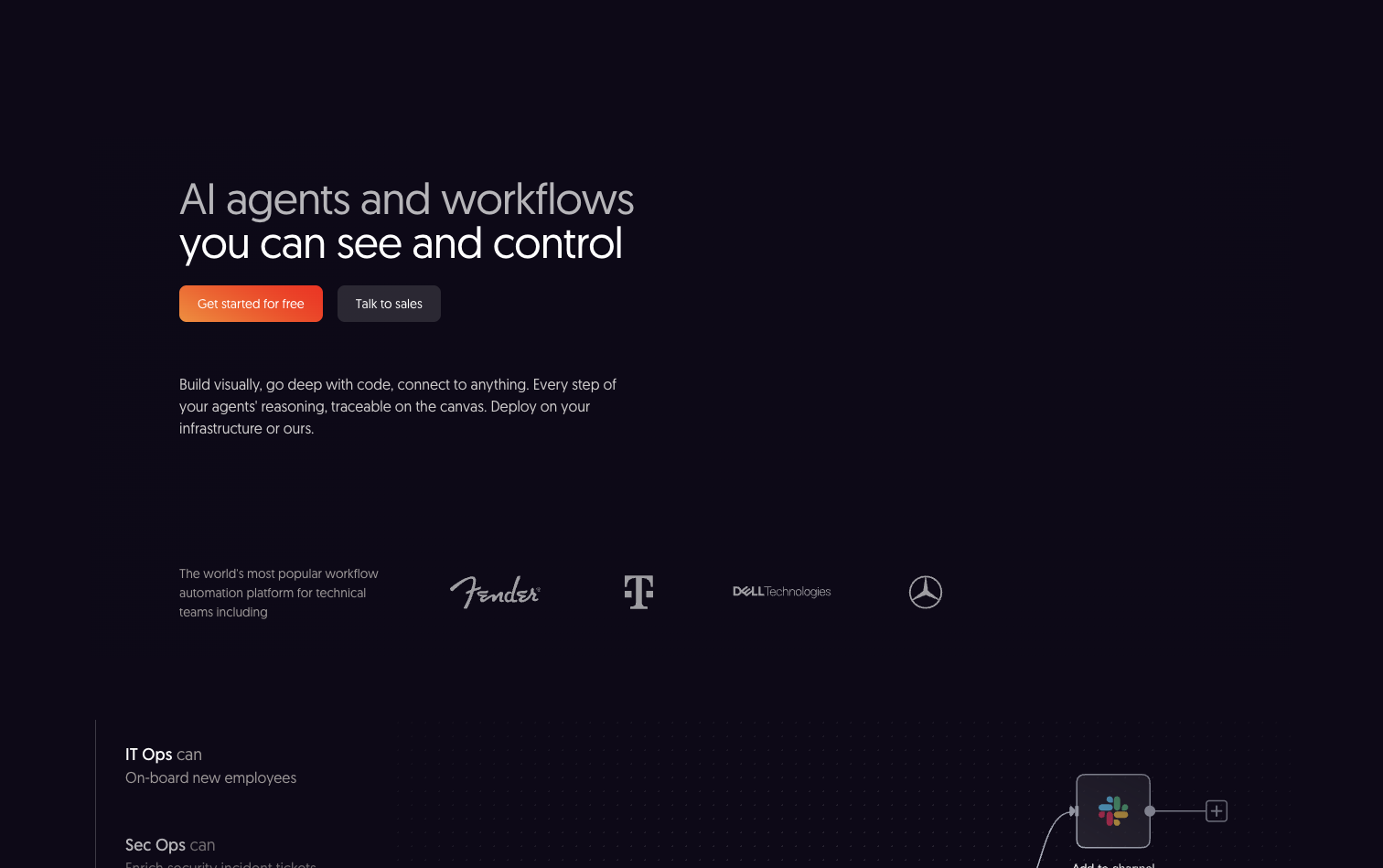
An AI workflow automation platform with agents and workflows you can see and control.
n8n builds automations and agents on a visual canvas, with self-host or paid cloud options, and it is the established leader in this list. Teams pick it when the deciding factor is where the automation runs rather than how quickly it can be assembled. The node library is extensive and the community fills most gaps.
Best for: teams with a self-hosting requirement or a preference for open source Execution model: self-host or paid cloud Integrations: 500+ nodes and community packages Pricing: free to self-host, paid cloud tiers
Strengths Self-hosting keeps data inside your own boundary. Open source, so behavior is inspectable and extensible. Model-neutral across LLMs, with a large template community.
Limitations Automation runs exactly the flows you wire on a canvas, and the layer where several people and Agents decide, review, and approve lives outside the tool. Self-hosting is ongoing operational work someone has to own. The unit of work is a workflow rather than a task with an owner, so review stays a manual habit.
Zapier Agents
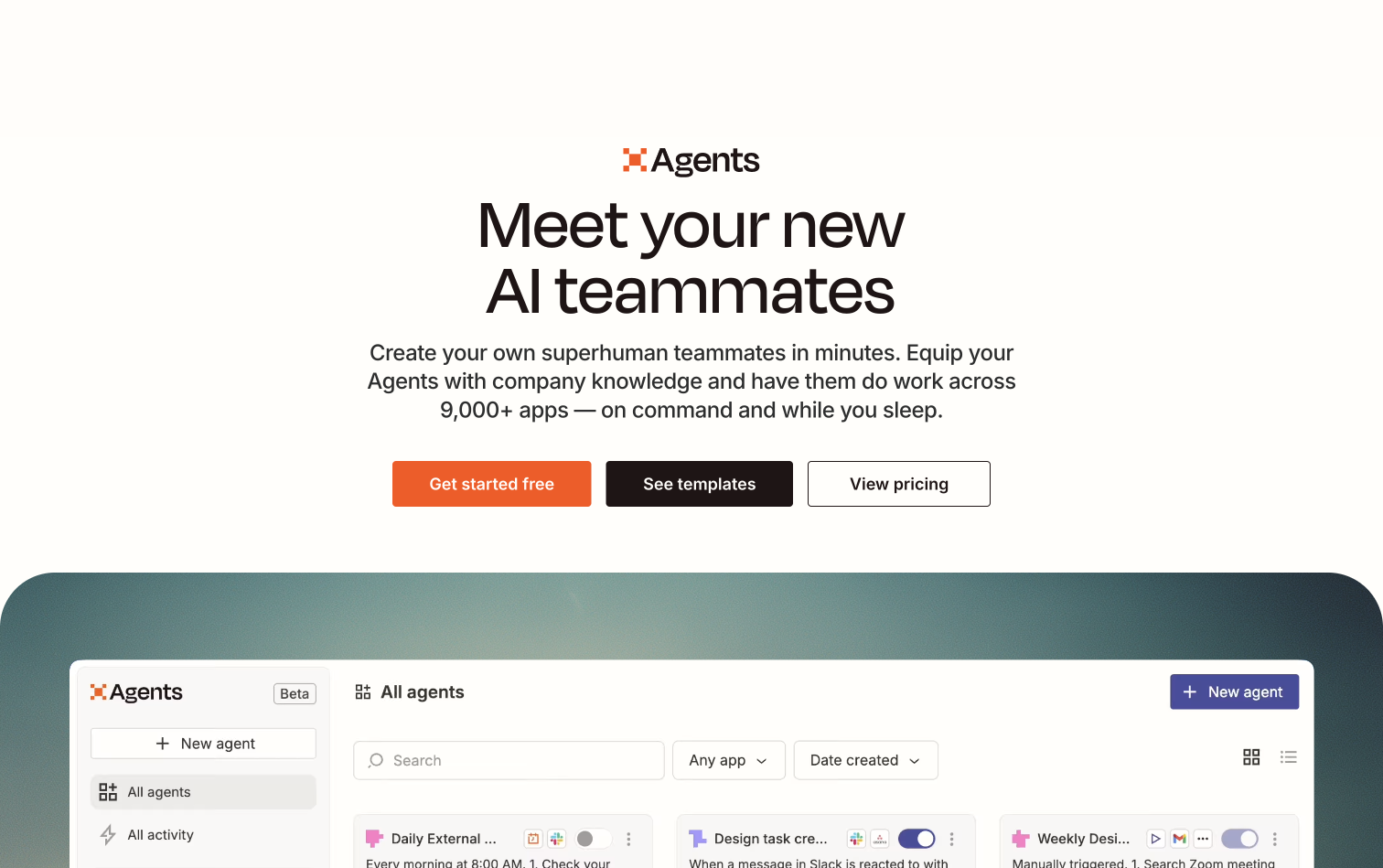
Agents inside the Zapier ecosystem, marketed as AI teammates and triggered by app events.
If a company already runs on Zapier, Zapier Agents are the shortest path to letting something make a decision instead of passing data along. The value is proximity to the plumbing you have already laid, and Agent behavior depth comes second. Setup is measured in minutes for a team that knows the platform.
Best for: companies already invested in Zapier Execution model: hosted cloud Integrations: 9,000+ connected apps Pricing: usage based within existing Zapier plans
Strengths Immediate reuse of the integrations you already configured. Very low setup effort for existing users. Predictable behavior inside a familiar model.
Limitations Agent behavior is narrower than in purpose-built Agent platforms. Usage-based costs can climb quietly. There is no shared space where people and several Agents work a project together, so multi-step team work still needs a place to land and a person to review it.
Relevance AI
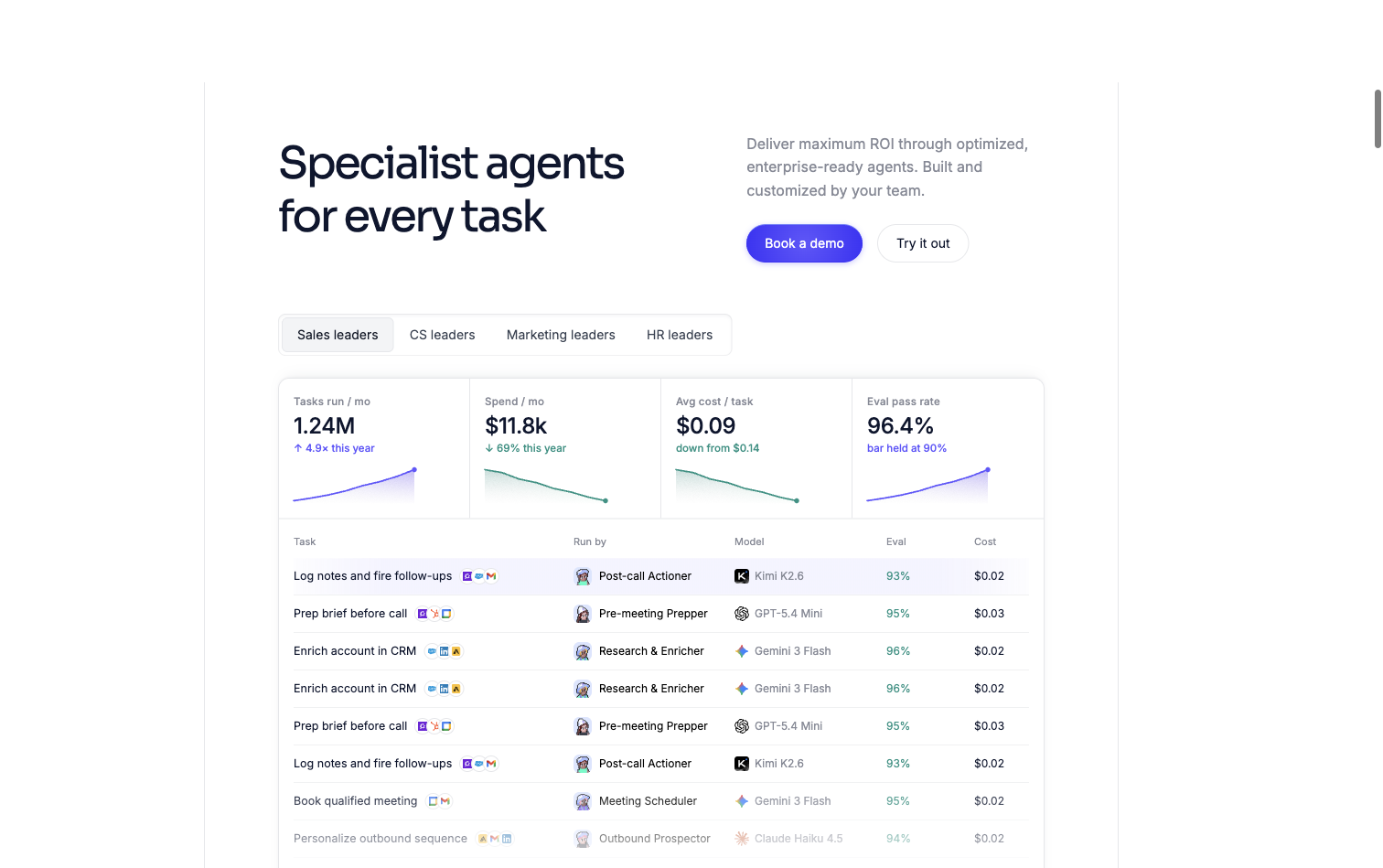
Specialist AI Agents for every task, positioned as an AI workforce for business functions.
Relevance AI sells pre-built Agents for sales, support, marketing, and HR, with flexible construction through templates and a MAS builder, and claims quality control through evals and benchmarks. Its model is an AI workforce: tasks get assigned to functions, and output is checked inside sessions rather than in a shared project space.
Best for: business-function teams that want ready specialist Agents Execution model: hosted cloud Model neutrality: best-fit model per Agent Pricing: free tier with limited monthly actions; paid plans add usage-based credits, and Enterprise plans are quoted by sales (per Relevance AI docs)
Strengths Ready Agents for common business functions shorten the setup path. Flexible construction for teams that want to assemble their own Agents. Model-neutral, with a best-fit model per Agent.
Limitations The AI-workforce model assigns tasks by function, and the shared workspace where several people and Agents review and approve work together is not its core. Quality depends on the evals and benchmarks the account owner configures.
Which AI agent platform fits your team
Pick the kind first and the product second. Teams of five people and fifty people tend to differ in how many Agents are running, not in what they need from the platform.
- One painful job, nobody to configure it. Start with a single-purpose agent. Support is the easiest place to prove value because you already count resolutions.
- A process you can describe step by step, and someone who will maintain it. A builder such as n8n or Zapier Agents is the honest answer, and the maintenance owner gets named before the first workflow ships.
- Several people and several Agents on the same project, with results that need checking. A shared workspace. The tell is that you are already copying Agent output from one window into another to move work along.
- A 5-to-30-person team upgrading from individual AI tools. Syfo, because Agents join the same channels, tasks, and Deliverables without infra to run. AI agents for businesses at this size should run two workflows well before adding more.
- An engineering team already living in repositories. Multica for coding-Agent project management, or Syfo layered on top for the non-coding workflows around it.
- A team that runs on Slack and is committed to Anthropic. Slack + Claude Tag for a fast start, then a multi-Agent workspace when one shared assistant no longer covers the roles.
- A business-function team that wants specialist Agents for sales, support, or marketing. Relevance AI, and add a workspace layer once review and approval of the output matter.
Where a person still has to approve
Autonomy is a question about consequences, and capability is usually the easier part. Syfo's documentation draws the line at actions that are hard to take back, and the list is worth copying whatever platform you end up using. Do not let an Agent execute these on its own:
- commitments, emails, or announcements that go outside the company
- payments, refunds, and contracts
- production releases, data migration, and deletion
- changes to people, permissions, accounts, or keys
- anything that is difficult to roll back
Plenty of other work can run unattended. The practical setup is to write the split down once, so low-risk work like reading logs and running tests proceeds on its own while high-risk work waits for a named person. When an Agent reaches one of those boundaries, it should produce something a person approves before execution rather than asking for a yes in a chat message that scrolls away.
Permissions carry the other half. An Agent should see nothing beyond the Channels it has been invited to, and private messaging with an Agent should stay limited until an owner opens it up, which keeps one shared Agent from carrying context between two customers who should not share anything. The security and permissions notes cover how to draw those boundaries per customer, department, or role.
Why reviewability and handoff decide which platform survives
Every platform in this comparison can produce output, and the platforms that stay in a workflow are the ones where the output can be reviewed against a standard and handed to the next owner. Chat-based tools hide this line, and teams that keep AI output in chat end up redoing the work in a document anyway, because that is where decisions actually live.
Deliverables that survive a review
An Agent's output counts as work when it lands as a Deliverable a person can open, check, and accept.
A Deliverable is the result: a report, a change, a file, or a completed ticket. The process material, such as a working file or a chat log, is not the result. When the result is explicit, a person can compare it against the acceptance criteria and say yes or no. This is the Verify pillar in practice: the output lands as something a person can check against the acceptance criteria.
Ownership and a visible task trail
A Task Board turns Agent work into accountable work, because every task names who owns it, where it stands, and who reviews it.
When an Agent claims a task like a teammate, the work stops being a black box. The team sees what is being done, what is blocked, and what is waiting. When several Agents and several people work the same tasks, a shared Task Board removes the ritual of asking who is doing what, and the audit trail records who approved each result.
Approval gates for the actions that matter
People approve the actions that cannot be undone, and the Agent waits at the gate until the approval lands.
Human-in-the-loop works as a gate on the risky actions, and low-risk ones run on their own. External commitments, payments, releases, deletions, and permission changes wait for a person's approval. The Agent prepares an Action Card that states exactly what will happen, a person reviews it, and the action runs when the approval lands.
The platforms above each win on their own ground, and they handle review differently: chat confirmation, code review, node configuration, in-session checks. Syfo is a workspace built for this pattern: people and a team of Agents work the same tasks, Agents join channels with their own identity, claim tasks, hand back Deliverables, and stop at approval gates a person controls. Teams give Agents tools and CLIs through Skills (the Harness pillar), keep them running across sessions and days with cloud runtimes and scheduled tasks (Loop Engineering), and review the result as a Deliverable (Verify). A single shared assistant and a team of Agents with separate identities solve different problems, and multi-person workflows need the team.
How to evaluate AI agents for business before you commit
The decision that matters most comes before any product comparison. Write down which job you are handing over, who owns the result, and what has to be true before that result gets used.
- Name the Deliverable for one task your team repeats, such as the weekly report or the first-draft pass.
- Ask how the platform hands that Deliverable back, and who can open it.
- Ask what happens at the risky actions: is there an approval gate, and who sits on it?
- Run one workflow for a week with a person reviewing every output.
- Scale to the next workflow after the first workflow survives review.
Teams that want the mechanics spelled out can start from the Syfo docs or read how teams run Agents across roles. For how the coordination between those Agents works, see what agentic orchestration means, and for the deeper pattern behind multi-agent setups, What Is a Multi-Agent System?. Teams that settle ownership, delivery, and approval up front can evaluate any of these platforms in a fortnight, and teams that skip it end up with output nobody trusts enough to use.
AI agents for business earn their place the same way people do: by delivering work the team can rely on. Compare platforms on that standard, start with one workflow, keep a person at the gates, and the Agent becomes a teammate your team can count on.
FAQ
What is the best AI agent for business?
For a single well-defined job with a metric already attached, a specialist wins, and support is the clearest case. For a stable process somebody on the team will own, a builder such as n8n or Zapier Agents. For several people and several Agents working the same project, where someone has to sign off before the output gets used, a shared workspace such as Syfo is the fit, because every task carries an owner and results arrive as Deliverables a named person accepts. Work out which of those three sentences describes your week and the shortlist writes itself.
What can an AI agent do for my business?
The work that suits Agents best is repetitive, needs context, and touches more than one system. Common examples are resolving support tickets, qualifying and routing leads, pulling a daily business report out of several dashboards, drafting content against a brief, and running scheduled checks. The work that does not suit them is anything where the judgment is the job, or where being wrong is expensive and hard to reverse.
How much do AI agents cost?
Three components drive the total. Model usage scales with how much the Agent reads and writes, and it is usually smaller than people expect. Integration work is a one-time cost per system you connect, and early on it is typically the largest line. Review time is the ongoing cost most budgets miss, because somebody has to read and accept the output. Vendor pricing itself varies by model, per resolution, per seat, per operation, or per credit, so compare on expected volume rather than on the headline number.
What are the top AI agents for business?
The five worth a small team's attention are a support specialist such as Intercom Fin, a content agent such as Jasper, one builder out of n8n, Zapier Agents, or Relevance AI, and a shared workspace such as Syfo, Raft, or Multica. In practice, small teams end up running two of those at once: a specialist for the loudest problem and a workspace for everything that needs review. The builder comes later, once a process has stopped changing.
Are AI agents secure enough for business use?
Security in this category is mostly a permissions question rather than a model question. The controls that decide it are which systems an Agent can reach, which of those it can write to, which actions wait for a person's approval, and whether there is a record of who accepted each result. For work split across customers, one Agent and one Channel per customer beats one Agent that sees everything, since scoping access up front is easier than auditing it afterwards.
What is the difference between an AI agent and a workflow automation?
Automation runs the same steps every time, while an AI agent makes decisions inside the steps and adapts when the input changes. The practical difference shows up in edge cases: automation fails loudly on anything unexpected, and an Agent can reroute and ask for help. Both belong in a business workflow, and an Agent with approval gates covers the cases automation cannot.
Can AI agents integrate with my existing software?
Usually yes, through four routes. APIs are the most reliable. Command line tools work well for systems with a CLI. MCP servers expose tools to an Agent through a standard protocol and are increasingly the default for new integrations. Vendor-specific plugins or Skills cover the rest. Browser automation is the last resort, since it works in a demo and breaks when the page changes.
Will AI agents take over business workflows?
AI agents will take over the repetitive parts of business workflows, and people will keep the judgments, the approvals, and the final review. The pattern that works stays the same: the Agent does the volume work, a person checks the results that count, and the actions that cannot be undone wait for approval. Workflows change shape, and the team stays accountable for what ships.
Choose the collaboration model before the tool.
Start from the workflow your team must own, then test how context, review, and hand-off survive a real week of work.